Traffic
Members
-
Joined
-
Last visited
Everything posted by Traffic
-
FYI, there's a known bug where random people can jump into gunner seats, locked or not. I've had it happen multiple times on multiple servers. I brought it up to 1C about a year ago and was told "they'd look into it" but apparently its still happening.
-
Ok, I'll try that. Just for clarification, they need to be viewing the webpage in order to send the invite out, I assume? And thank you guys for checking into this. This server is awesome.
-
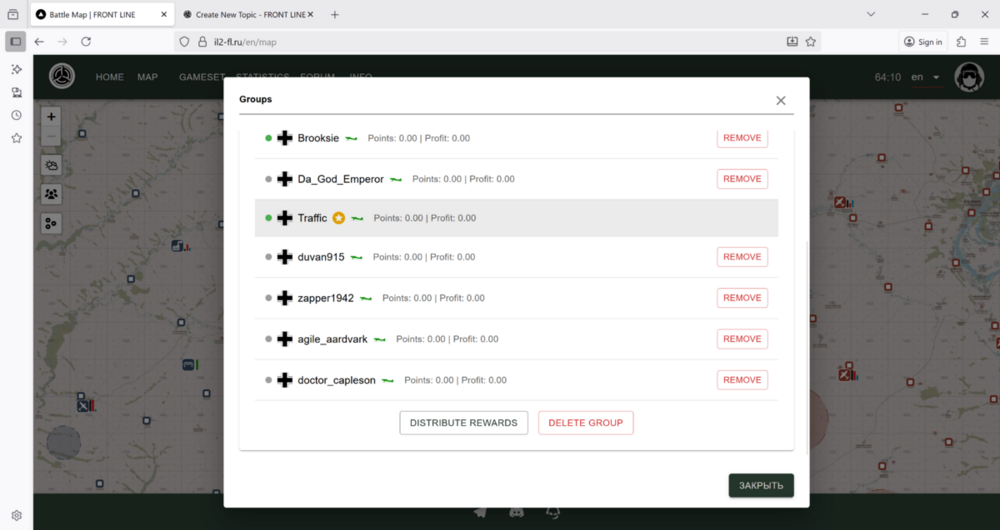
Just a quick question, and I don't know if you have control of it or not, but there no longer seems to be a way to send out an invite to another registered user. I can delete the group, distribute profits, but under the envelope tab, in the upper right hand corner, there's no place to add, or in my case, re add a member. Am I missing something? I may be over looking it. Any guidance on that? Apologies if thee's a tab I'm missing. I could be blind.