MDA
Developer
-
Joined
-
Last visited
-
During this war, so many players registered for the Reds, even those who always fly for the Blues! That's why the war was so short-lived!
-
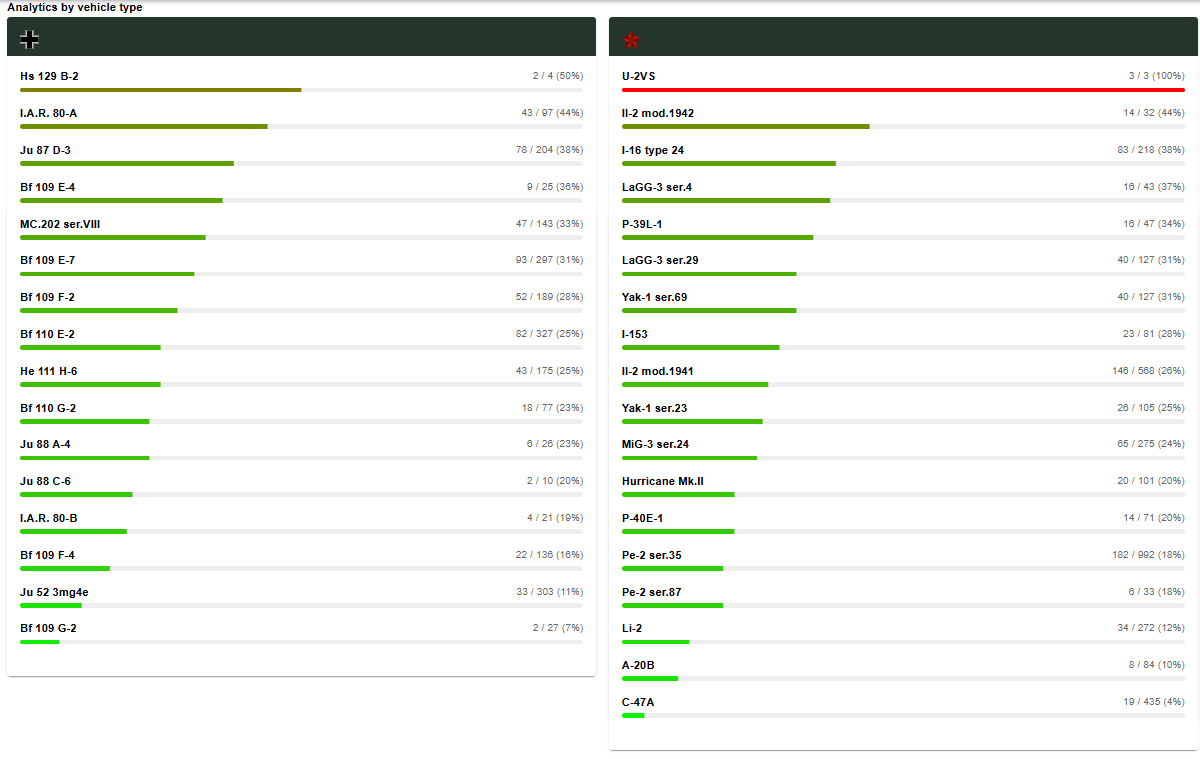
In total, the F4 flew 136 sorties, 22 of which failed to return to their airfields. It doesn't matter when you start. You can lose your rank and money at any time and start over. If you don't like Macchi and IAR, you can do a couple of transport sorties and then fly the E7, and then it's up to your abilities.
-
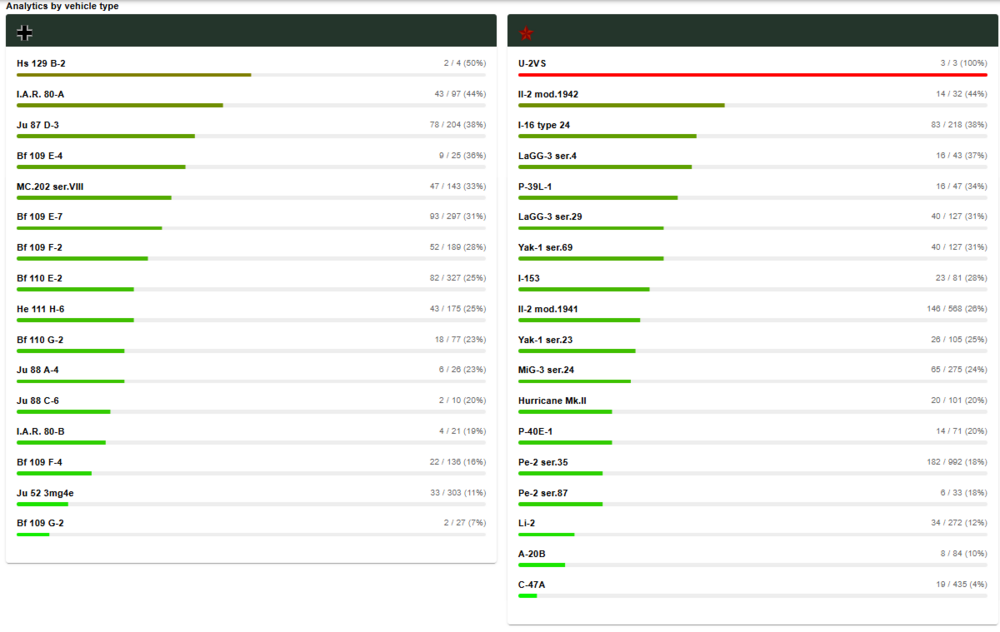
If we consider specific cases, like the P39 and the E7, and ignore the overall picture, the E7 would likely be the clear winner. However, there are loss statistics, and they paint a somewhat different picture than you might think. Please study this section, and you will understand that rank is not a strict limitation on aircraft use. The BF-109F4 was used more often than the Yak-1 Series 69. https://il2-fl.ru/en/stats?campaignId=17&tab=campaign-losses UPD. The page is only available to subscribers. Screenshot from the page
-
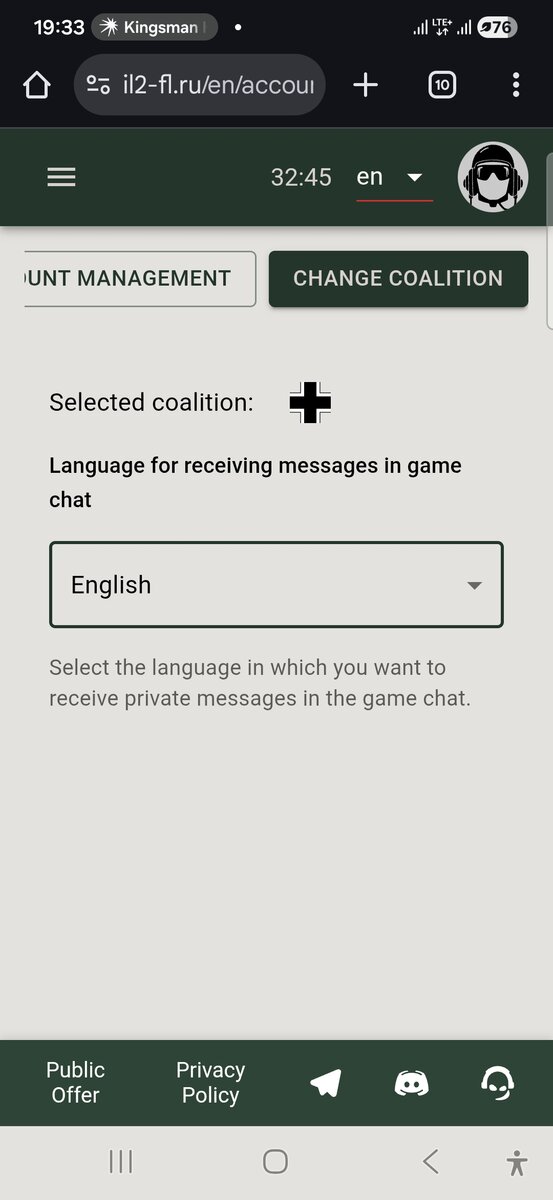
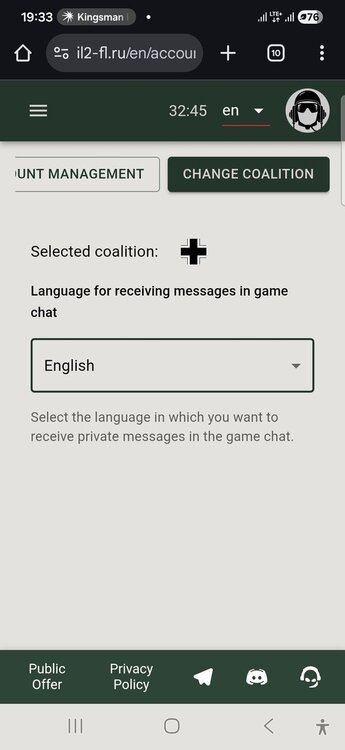
Vaya a su página de perfil y vaya a la pestaña de selección de coalición.
-
There is no ban on shooting at parachutists! Everyone acts according to their own conscience.
-
Thank you for your feedback! 1. Registration is designed to link your 1C game account to our Frontline account! The registration system will remain the same. 2. Strategically important targets must be well-covered by anti-aircraft artillery. In the game, such anti-aircraft artillery will not allow attacks by single pilots; only groups! Bridges and supply columns are available for solo pilots! 3. Our server is designed for warfare, where resources and airfield capabilities are scarce! Players must prioritize the condition of their airfields, conserving resources first! If players don't take care of their resources, they lose the war! We've created a very complex project. Our system doesn't allow you to take good aircraft with maximum loadouts; this requires a lot of work. On our server, players take loadouts on their aircraft that no one else ever takes on in other projects. Therefore, we have a complex server that requires players to have good skills to complete combat missions under various restrictions. We've received feedback that your project feels like work, not relaxation, and sometimes people switch to simpler servers when they're struggling to fly on the front lines! And we're pleased with this result, as there's currently no project of such complexity!
-
@Denisik , look, this is the Volosovo respawn point 1117-1118
-
Read about setting up CPC here: https://forum.il2sturmovik.com/topic/63326-installation-and-usage-of-srs-for-il-2-voice-comms-app/?ysclid=mi9qeg293l534461824
-
You were in a group at the time of your flight. All points and bonuses went into the group's shared pool.
-
SRS works! You can use it to improve interaction between players!
-
Hello, we'll restart the SRS. It worked before, but now there's some kind of technical problem.
-
Tank missions are now processed correctly!