NoobChick
Members
-
Joined
-
Last visited
-
Can u please confirm if this is a bug or I'm reading the scoring incorrectly?
-
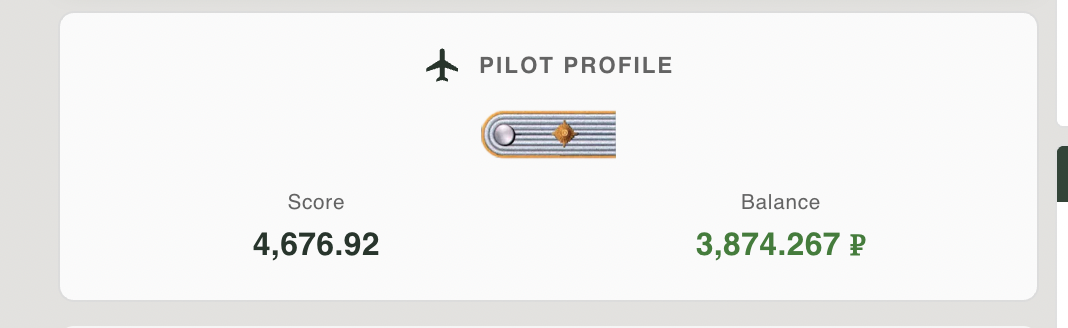
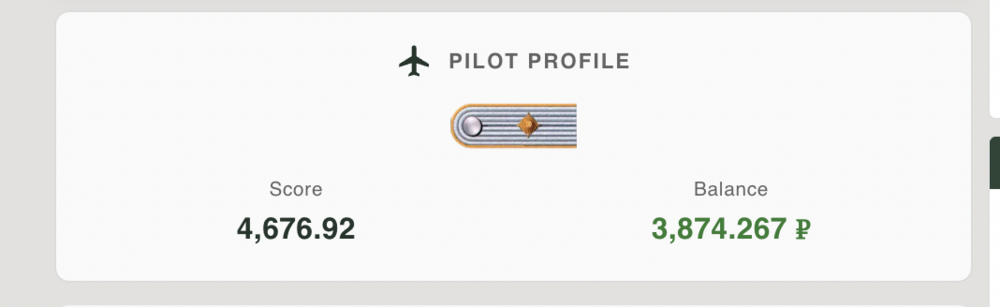
I have attached the screenshots.. If you can see the session log data says I gained a little money and points.. But my total points and money got decreased from around 6000 to ~4000pts. In that particular session I heavily damaged a bomber but was killed before he was killed by his gunner.. Hope this helped

-
There is an issue where if I get killed first while killing the enemy the points in the session log are recalculated but my total money and points don't. For exmple lets say I have 5000pts . Then i attack enemy bomber, damage him but get killed first.. The enemy also gets killed but a little later The session log here says I gained 100pts(after deducting the penalty of death e.g 1100 for the kill - 1000 for my death). But my total points now shows 4000. It should be 5100. Hope i could explain the issue
-
The same thing happened again
-
There might be something wrong with the point calculations.. I had a score of ~4900.. then I had to eject.. The website says I got deducted by 198 but now my score shows 4550
-
Hi.. On what conditions does unloading fail for cargo planes? I got a message after I landed on friendly airfield and waited
-
Any update on the Server status as to when it will go live?
-
Oh ok thanks.. There seemed to be some sort of glitch last night.. The dropdown was not coming up.. Its coming now
-
Hey Admin(s). Can you make the pilot search in the website case insensitive and search should bear results based on the provided text rather than the absolute exact name.. would be a good quality of life improvement. For example if I type Noob and search currently I get no result but ideally I should get a list of names starting with "Noob"
-
Thank you so much
-
Hey guys can u tell me which is the most active communication channel for Frontline? Discord or Teamspeak.. I want to join a squad or atleast communicate with randoms to enhance my learning and experience
-
OK thanks.. Do you allow coalition changes? I tried to do on the website but couldn't
-
Do we have night missions on this server? I'm sorry I'm new so donot know.