Denisik
Developer
-
Joined
-
Last visited
Everything posted by Denisik
-
Greetings! Thank you! You can fly the project even without money or points, using aircraft such as the I-16, Pe-2, Li-2, S-47, and I-153. As the war progresses, these free aircraft will be replaced by more advanced ones, such as the Yak-1B and Il-2 from 1943.
-
Aircraft balancing is ongoing. We consider the overall performance, not just the "fighter" or "attack" variants, which is why we tune the aircraft. Over time, the better aircraft arriving at the front are promoted to higher ranks, while the worse ones, in our opinion, are promoted to lower ranks. That's why you see the P40 and P39 where they exist. These aircraft are difficult to compare in performance even to the F2/4.
-
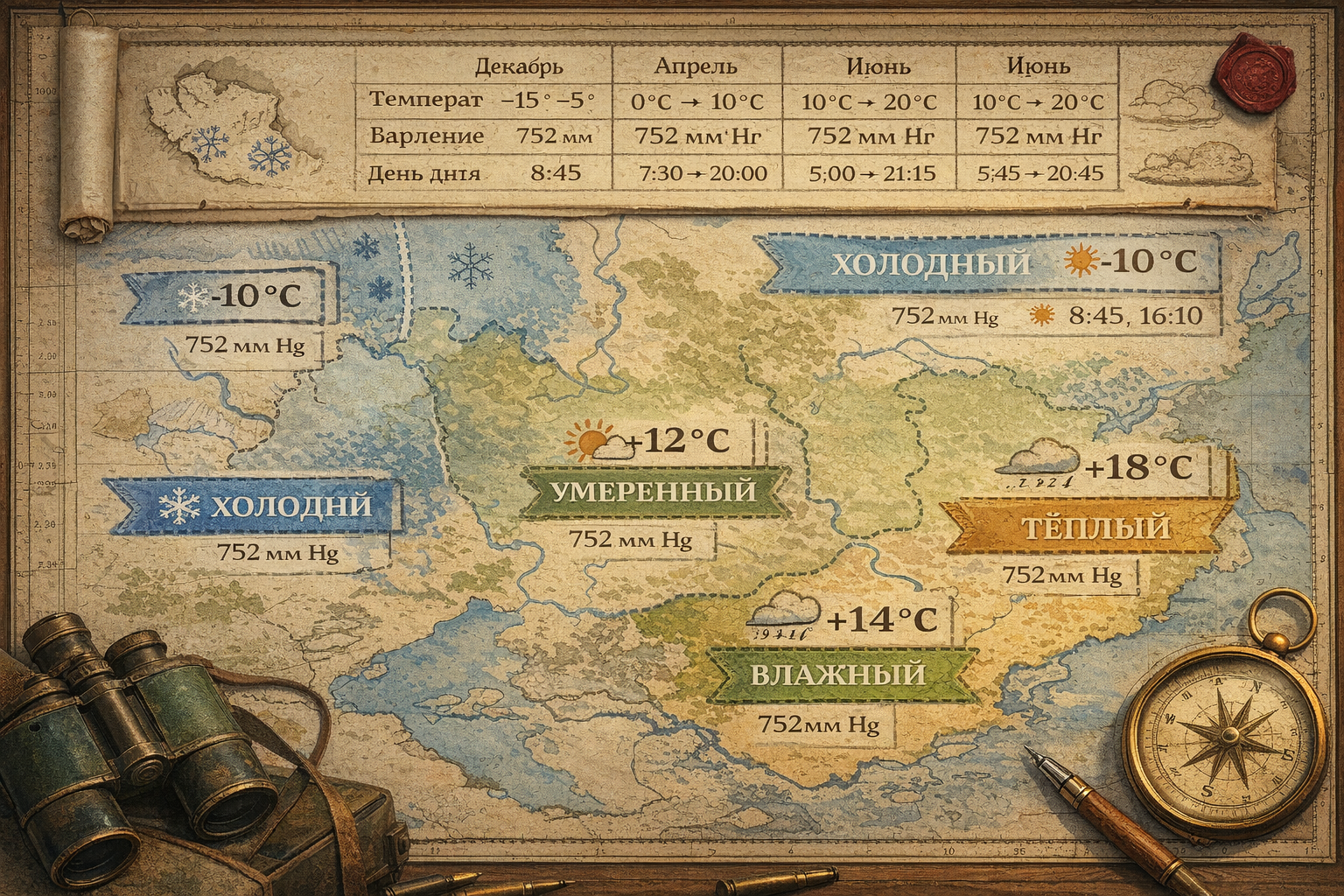 One of the key features of our server is a well-designed mission weather system, which directly impacts tactics, flight style, and the overall experience of each game session. Here, weather is more than just a visual backdrop, but a fully-fledged gameplay mechanic, making every sortie meaningful and every mission unique. Weather as a dynamic systemThe server's weather conditions are a complex and flexible system, individually tailored to each game map. To achieve maximum realism, special tables were prepared in advance, taking into account the average climate conditions of specific regions. Bombers from the squadron -DED- on route. These tables contain: Average monthly temperatures; Average atmospheric pressure; The weather generator analyzes all this information and, based on it, randomly generates weather conditions for each mission. This ensures that even with the same mission type, players never experience a completely repetitive scenario. Lighting, cloud height, wind direction, visual atmosphere, and piloting conditions are all subject to change. Weather's Impact on GameplayWeather conditions influence virtually every aspect of the game: from visibility and aircraft stability to weapon selection and flight altitude. Players must consider not only their aircraft's performance but also the surrounding environment. Wind can complicate takeoffs and landings, cloud cover can obscure targets or, conversely, facilitate a stealthy attack, and the time of day directly affects orientation and interaction with ground targets. All this makes the weather a full-fledged participant in combat. Types of missions and their featuresAll missions on the server are divided into three main types, each with its own weather conditions, duration, and tactical focus. The remaining mission time is always displayed on the interactive map and is also announced in the in-game chat every 15 minutes, allowing players to plan their actions in advance. Type 1 missions - favorable conditionsMissions of the first type take place in excellent or good weather. Clear and light cloud cover is used, and the in-game time is strictly daytime—around 12:00. These missions last 2 hours and 40 minutes, and they occur no more than five times in 24 real-time hours. Ground winds are light—2-3 meters per second; at altitudes of approximately 5,000 meters, they are calculated using a special formula, and the direction is always random. Turbulence is absent. This mission type is ideal for long-range strategic raids. Good visibility and long mission duration allow for the effective use of bomber aircraft, complex route planning, and strikes against remote enemy industrial and logistics facilities. Type II missions - changing environmentMissions of the second type are characterized by average weather, using medium and heavy cloud types. These missions either begin early in the morning (in-game time) or end in the evening. The second type of mission lasts two hours, also no more than five per day. Ground winds increase to 3-7 meters per second; at altitude, wind parameters are calculated automatically, with a random direction. Turbulence is absent. These missions are considered universal. They are suitable for both horizontal bombing and ground attack sorties. Cloud cover can hinder precision bombing, but it also offers tactical advantages: cumulus clouds allow for stealthy outflanking of enemy fighters and surprise attacks on airfields or garrison supply lines. Type III missions - extreme conditionsThe third type of mission is the rarest and most difficult. They take place either in bad weather with dense overcast clouds during the day, or entirely at night, starting at 24:00 in-game time. These missions last for one hour of real time and appear no more than once per day. Ground winds can be of any strength, even gale-force, while at altitude, the parameters are again calculated using a formula, and the direction is always random. Despite their difficulty, these missions offer unique opportunities. Bad weather and nighttime allow for relatively safe transport flights, resupplying frontline airfields with ammunition, fuel, and other resources. Night operations and risksNight missions also offer the chance to bomb frontline targets located close to the line of contact. However, such operations require a high degree of skill. It's important to remember that all targets on the server are equipped with searchlights, which can trap aircraft in their beam, dramatically increasing the risk of detection by anti-aircraft artillery and enemy fighters. This makes night sorties a tense and atmospheric test, even for experienced pilots. Each mission is uniqueThanks to a combination of adaptive weather, three mission types, and random parameters, no mission on the server is ever the same. Players are constantly exposed to new conditions, maintaining interest and preventing gameplay from becoming routine. This system makes the server vibrant and dynamic. Not only the frontline but also the game's atmosphere changes day by day, forcing pilots to adapt, learn, and make decisions just like in real combat.
 -
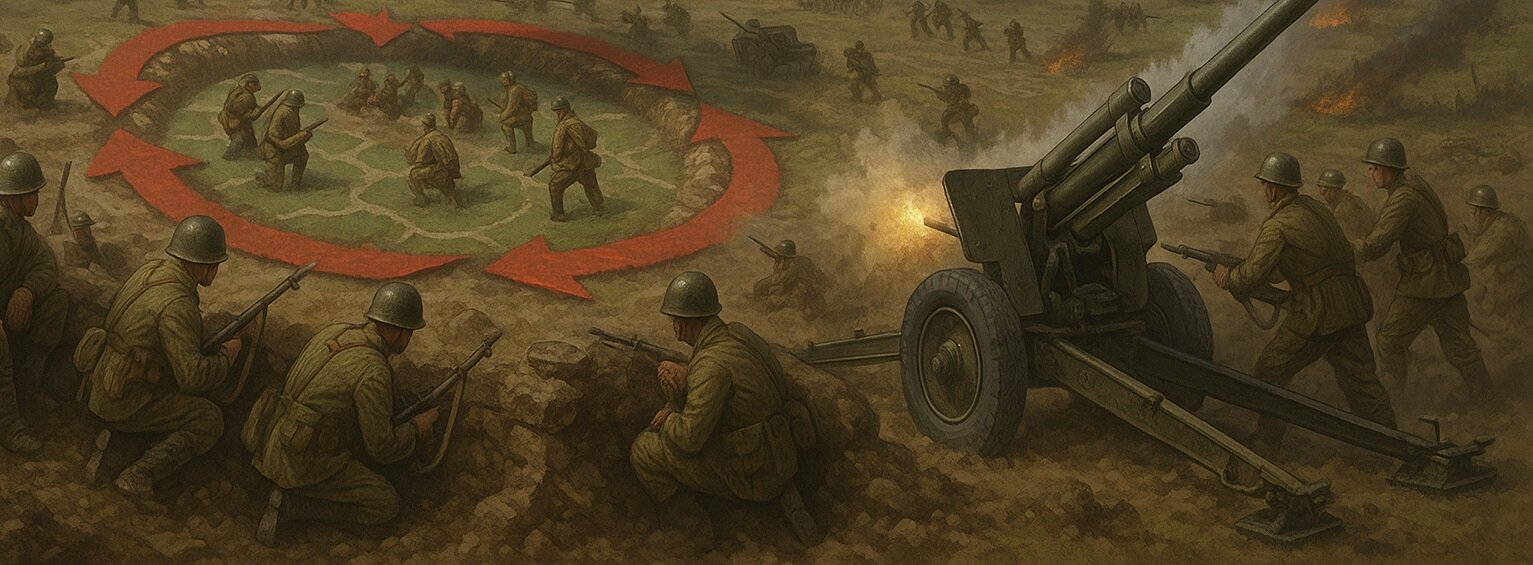 On our game server, based on the IL-2 Sturmovik flight simulator, we strive to create not just aerial combat but also strategic depth comparable to a full-fledged military campaign. One of the key mechanics that enhances this feeling is the "Cauldron" system—encircling enemy garrisons and then destroying or capturing them without a direct assault. This system not only brings realism but also forces teams to think more broadly: planning encirclements, disrupting supply lines, and rescuing allies from the air. What is "The Cauldron" in the context of Front Line?A "Cauldron" is a situation in which an enemy garrison (or several garrisons) finds themselves completely surrounded, cut off from land supply routes. This encirclement is created by the coordinated actions of players capturing key points along the perimeter. Unlike standard scenarios, where the front is held by direct confrontation, in the "Cauldron" system, tactical thinking and coordination between pilots and ground units are crucial. Once encircled, garrisons begin to gradually lose combat strength—with each new mission, they "melt away," losing 30% of their maximum potential. This means that after just three missions, a garrison will lose almost all of its effectiveness. Once its strength drops below 30%, it automatically falls under the control of the side that encircled it, without firing a single shot. Decreasing the strength of garrisons every mission Dynamics of weakening of encircled unitsEach encircled garrison is like a dying candle. With each mission, its ability to resist diminishes, and if no action is taken, within three missions, one of the weakest encircled garrisons will fall to the enemy. This approach forces players to think not only about the offensive but also about strategic defense, preventing the formation of "cauldrons." Instead of waiting for a garrison to gradually weaken after each mission, it can be captured much more quickly. If players begin bombing the encircled point, the "melting" process will accelerate significantly. This adds depth to air missions: attack aircraft and bombers can now play a key role in capturing ground targets without the need for infantry. An Il-2 attack aircraft launches a missile strike on an enemy garrison. Rescuing the besieged is a mission for transport aircraft.But things aren't so straightforward. Even when surrounded, garrisons can be supported and rescued. In this case, transport aircraft play a crucial role. They can be loaded with any resources—fuel, ammunition, or provisions—and delivered to the garrison, landing right outside the city. A Ju-52 transport aircraft supplies the garrison. Each successful supply mission restores 20 garrison strength. This can extend its life for several more missions, giving the team a chance to break through the encirclement, or regroup for a counterattack. This is where pilot skill comes into play: landing in a combat zone is risky. But it's precisely these missions that forge true heroes and, as experience shows, become key moments in a campaign. Supply Mechanics: Logistics is More Important Than BombsOne of the main goals of the entire "Cauldrons" system is to demonstrate that war is not only about destroying the enemy, but also about supplying your troops. Victory is achieved by those who know how to manage resources, plan missions, and think ahead. A pilot who recovers a plane with only a few remaining rounds contributes to victory no less than an ace who shoots down two fighters. This is a team game—and the environment system underscores this perfectly. Full detailed information on the status of garrisons can be viewed by clicking on the icon on the interactive map. Interface displaying the amount of resources in the garrison How to avoid being surrounded?While encirclement is a powerful tool, it's important to be able to prevent it. Teams that closely monitor enemy movements and strengthen their flanks rarely find themselves encircled. But if this does happen, a quick decision must be made: hold the enemy from the air, supplying them until the last minute. These situations demonstrate the maturity of command and the effectiveness of in-game interactions. Not only pilot skills are crucial here, but also effective communication, timely reports, and coordination between reconnaissance, attack aircraft, and logistics. ConclusionThe "Cauldron" system on our server is a fully-fledged element of a strategy game, where players face realistic military situations: encirclement, blockade, supply, and tactical decisions. It's not just a set of mechanics, but a living system that reflects the essence of war—not the heroism of individuals, but the coordinated work of a team. The ability to create and prevent "cauldrons," save your units under fire, and wisely use transport aircraft makes the game deeper, more engaging, and more intense. This is the level of simulation that transforms air warfare into a true military campaign, where each player's impact goes beyond just scoring.
 -
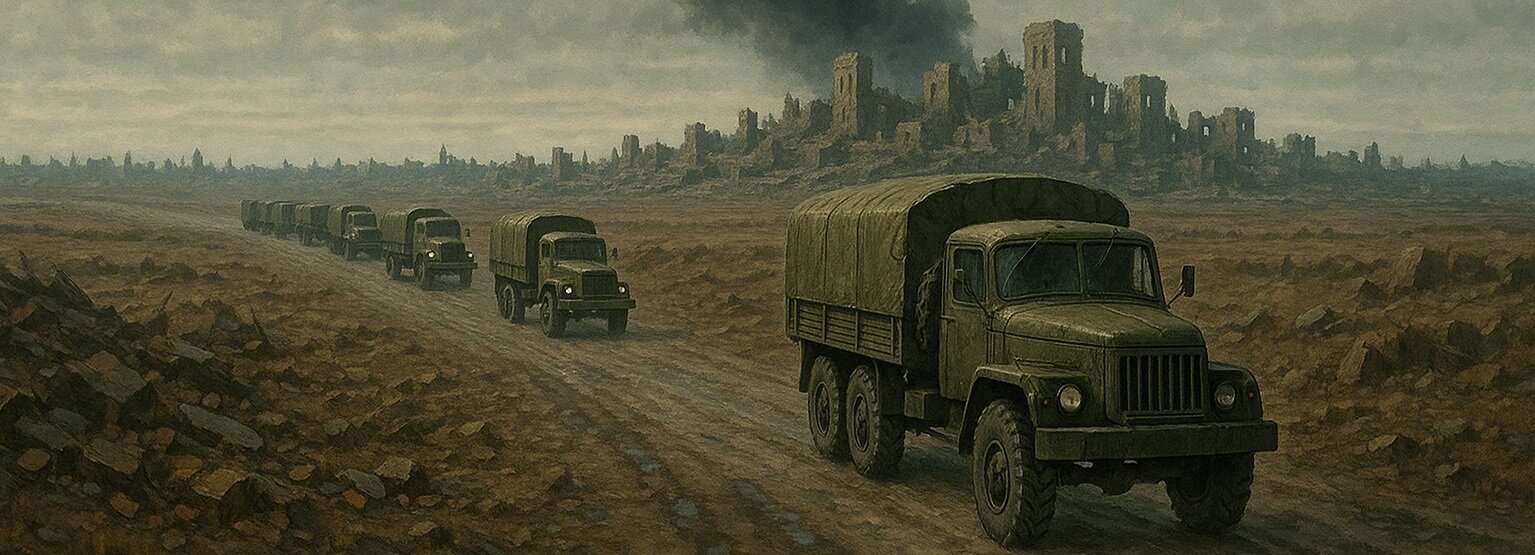 One of the key components of combat on the Front Line server is garrison supply. In a multiplayer environment, it plays more than just a supporting role; it directly impacts the success of operations and the stability of the front. The game's supply mechanics have been carefully designed and implemented as a dynamic system that requires attention, collaboration, and careful planning. Why is supply needed?During each game mission, settlements (hereinafter referred to as "SOCs") are subjected to systematic attacks, including aerial bombardment and artillery shelling. These strikes undermine the defenses of garrisons located in cities and settlements. To maintain their positions, these garrisons require timely reinforcements, and the game features a complex supply system for this purpose. I-153 during an attack on an enemy supply column Display on the mapResupply of settlements doesn't just happen "in the background"—it's clearly displayed on the interactive map, making it part of tactical reconnaissance and mission planning. At the start of a mission, the route of a supply convoy is hidden. The location of such convoys is indicated on the map by a large, red or blue, shaded circle, depending on their allegiance. To locate the supply convoy, reconnaissance operations must be undertaken: The player must enter the circle's radius, either by plane or ground vehicle. After entering the search zone, patrol the area until the convoy is visually detected or the trigger is activated (step 3). Depending on the logistics, the supply convoy may consist of vehicle convoys, train trains, ship convoys, warehouses, ferry crossings, or ports. Once detection is confirmed (i.e., the player enters the trigger activation zone), the interactive and in-game maps will automatically update: the shaded circle will be replaced by a supply icon—the characteristic convoy symbol. The supply of the NP is marked in the red rectangle on the interactive map How does column generation work?The server automatically dispatches supply columns to the most vulnerable OPs. This is done through a special generator that analyzes the garrisons' status and determines where to send aid. Each side can receive up to three supply convoys in a single mission. As a rule, only rear-line garrisons that are not connected to the opposing coalition's garrison are supplied. Frontline settlements, however, cannot receive resources via traditional convoys but remain operational thanks to assistance from the rear. In such cases, nearby rear-line towns located behind the front lines can virtually transfer some of their strength to support a weakened frontline garrison. This transfer is limited to no more than 10% of the donor's current strength, provided its strength does not fall below 50% (Garrisons weakened to 59% cannot provide support to frontline garrisons), so as not to weaken the rear defense. The number of such transfers in a single mission is limited to five. (More details can be found in the article about garrisons) Types of supply1. MotorcadesThis is the most common type of supply vehicle. They supply garrisons with ammunition and have only minimal protection—two vehicles with heavy machine guns. They are extremely vulnerable to air strikes and require cover. The motorcade may be located not only on the roads 2. Railway deliveriesTrains in the game deliver all types of resources, from ammunition to fuel. They are used to supply only those cities where: There is a rail connection. A large garrison can be stationed there. The trains are well guarded: machine gun nests are installed on special platforms to provide cover from enemy attacks. A train delivering ammunition to the garrison 3. Sea convoysUsed on maps featuring sea and coastlines. These ships deliver only ammunition, but unlike convoys, they have moderate protection thanks to anti-aircraft artillery. They can be located at any distance from the coast, making them a difficult yet effective target. Ship convoy 4. Crossings near StalingradThe game follows real history: crossings in the Stalingrad area are used to supply all resources to the city. They are crucial for supporting the garrison in one of the most brutal sections of the front. These routes are well protected by anti-aircraft guns on ships and boats. The Stalingrad crossings are located on the right and left banks of the Volga River. 5. Supply warehousesThese are centralized resource distribution points. They can redirect any type of resource and supply only large garrisons. Warehouses are better protected than other types of supply and are important strategic targets for the enemy. Equipment and resources in one of the warehouses 6. PortsThe largest and most heavily defended supply hubs are located on the coastline near major cities such as Novorossiysk, Tuapse, Sochi, Kerch, and others. They are equipped with at least one cruiser and two anti-aircraft artillery batteries of various calibers, ready to repel any enemy. However, a group of five to six dive bombers can inflict significant damage. A port under the protection of a cruiser near Novorossiysk The influence of the state of factoriesEach vehicle in a convoy delivers a strictly limited amount of resources, which depends on the condition of the factories. A factory destroyed by 50% delivers only half of the allocated resources to the convoy. This makes attacks on industrial facilities strategically important: by destroying a factory, you weaken not only production but also the supply chain itself. Example: if a convoy could carry 900 kg of ammunition, but the factory is 50% destroyed, it will deliver only 450 kg. This will only replenish 1 garrison strength (every 450 kg = +1 strength). If a factory is unavailable for a certain resource at the time of loading, it will not be loaded into the convoy at all. Other types of resources may be loaded, however, depending on the overall condition of the factory. There is also another important mechanic: if a convoy delivers more resources than the garrison can accommodate, all excess resources are returned to the factory. The plant during an artillery attack from a Su-122 Destruction of columnsIt's important to remember: the convoy icon disappears from the map only when all resources within it are destroyed. Even if the convoy only has 10–20 kilograms left, the marker will continue to appear on the map. This requires vigilance from players planning raids and tank attacks. Additional logistics - air supplyIn the event of a severe resource shortage and the impossibility of organizing automatic resupply, players have access to the transport aircraft mechanic. This allows for the transfer of unlimited amounts of ammunition, provisions, and fuel, but requires players' ingenuity and the ability to land in rough terrain. Each such raid restores 20 units of garrison support. This method is suitable for emergency situations when ground routes are blocked, garrison reinforcements are urgently needed, or a settlement is surrounded. More details about this mechanic can be found in the dedicated article. ConclusionThe supply mechanics in Front Line are more than just a gimmick. It's a fully-fledged strategic system whose operation determines the outcome of missions. Timely destruction of enemy convoys, protection of supply routes, strikes on factories, and reconnaissance of targets are all elements of a large, vibrant war machine in which every player can influence the course of the war. This system not only makes the game more realistic but also adds depth and variety to every combat sortie.
 -
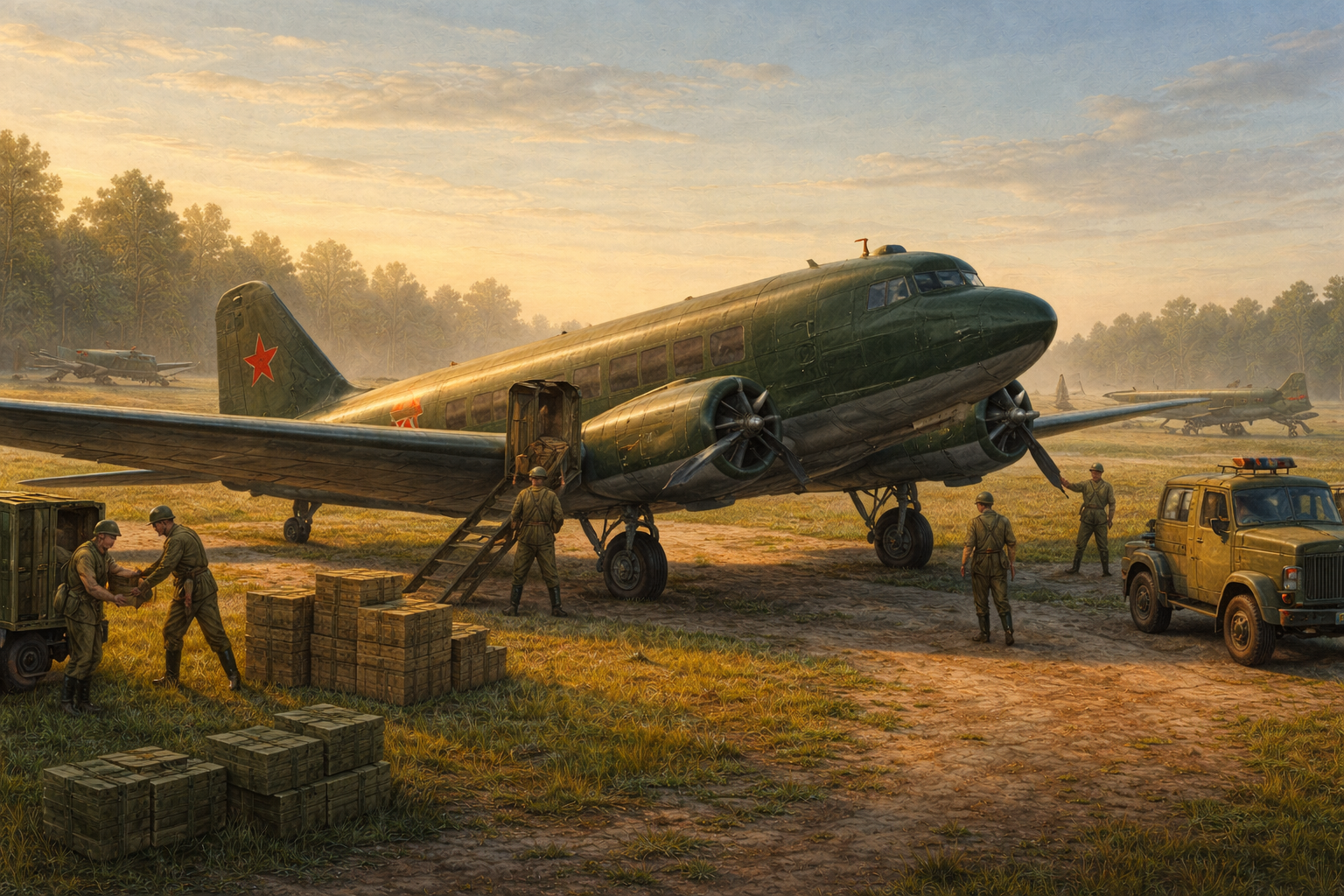 Military aviation is more than just fighters and attack aircraft fighting over the front lines. On our server, military transport aircraft play a vital role, transforming the game into a deep strategic system where success depends not only on pilot accuracy but also on efficient supply. Transport aircraft become the link between the rear, airfields, and the front, directly impacting the combat readiness of both sides, economic development, and the stability of the front line. The General Role of Transport AviationMilitary transport aviation on the server is divided into two key areas: airfield supply and frontline supply of populated areas. Both areas operate according to similar logic, but have different goals and consequences. Each side in the conflict has an unlimited number of transport aircraft, emphasizing that logistics is determined not by a shortage of equipment, but by the activity and competence of players. Transport sorties are not a secondary task. On the contrary, they allow: to support combat airfields; to strengthen garrisons on the front; to earn experience and in-game currency; to influence the overall balance of power in a mission. Airfield Transport AviationAirfield logistics are the foundation of a side's air force resilience. Without resources, an airfield loses its ability to fully support combat sorties, thereby weakening the side's overall air potential. To perform such a flight, the player must select a transport aircraft at the airfield from which they plan to depart, with the "name" corresponding to the resource they wish to transport (Prov, Ammo, Fuel). The aircraft type depends on the coalition: The red side uses a C-47A or Li-2, with a military payload of 2,200 kg; The blue side uses a Ju-52/3m g4e, with a payload of up to 2,300 kg; Select by clicking the load checkbox and ensure it is highlighted. After arriving at an airfield, it's important to pay attention to the in-game chat—this is where information about the aircraft's current load is displayed, including the type of resource (ammunition, fuel, or provisions) and its quantity. The flight is to the selected allied airfield. After landing, the player must come to a complete stop. At this point, a message appears in the chat indicating the start of unloading, asking the player to remain still. After a short while, the system notifies the player of the successful completion of the process and clears the takeoff. After this, the player can either terminate the flight or continue the flight to another airfield. All delivered resources are displayed on an interactive map, allowing the team to see the current supply status. Frontline transport aviationFrontline supply is a riskier, but also more profitable, activity. Its purpose is to deliver resources to settlements within the front's zone of influence. The preparation procedure is similar to airfield supply: the player selects a transport plane with the "name" (Provisions, Ammo, Fuel), the resource they wish to transport, and military cargo, and appears at the airfield. However, instead of an airfield, the target is a specific settlement. Landing must be made within a two-kilometer radius of the center of the selected NP. The center is the NP's display point on the interactive map. This can be a field, a road, or any flat area. After the plane stops and unloading begins, the player receives notifications again via chat. After unloading, the pilot must take off and head to any allied airfield for landing. Only then is the flight considered complete. Each such flight increases the garrison strength of the settlement by 20 units, which directly impacts the stability of the front and the NP's ability to resist enemy attacks. Rewards and player motivationFrontline transport aviation is considered one of the most generously paid mechanics on the server. Players earn experience and money based on the actual difficulty and importance of the mission. Resupply rewards depend on: If you supply an airfield, you will receive 5 points and 10 coins for every kilometer of flight. If you supply a garrison, you will receive 10 points and 20 coins for every kilometer of flight. The number of connections this NP has with enemy settlements (each connection + 50 points and 100 coins) Airfield supply mission utility. There are two types of operations: for repairing damage and for replenishing resources. The system tracks how much resource was spent on each operation and awards bonuses based on the results. Damage Repair. If there is damage at the airfield that can be repaired using the delivered resource, a bonus is calculated. As a reminder, half of the delivered resource is used to repair damage, and the amount not spent on repair is added to the first half of the resource, after which it is used to replenish the resource. The system determines the percentage spent on repair. If the entire half of the resource is used, the operation is considered to have yielded maximum benefit, and the player receives the maximum reward—200 points and 400 coins. If only 50% of the resource is used to repair damage, the player will receive only 100 points and 200 coins. If no resource is spent at all, the reward will be 0 points and 0 coins. Resource Replenishment Half the resource is allocated to replenishing the airfield, but only after the first operation and is added to the result of the previous operation. If no resource was used to repair the damage, then the entire resource will be allocated to replenishment. However, the actual amount that fits on the airfield is tracked! If 100% fits, the player receives the full 100% bonus. If 50% fits, only half. If none fits, the player receives nothing. Replenishment bonuses are: Points: 75; Coins: 125; Base point bonus: 3% of the transported resource mass; Base coin bonus: 8% of the transported resource mass; The total reward is based on the flight distance, bonuses for restoring damage, and bonuses for replenishing. The usefulness of the garrison supply mission. Like the airfield, there are two types of operations: damage repair and replenishment. Unlike the airfield, the garrison is supplied with a fixed amount of manpower – 20 units. As usual, half (10 units) is spent on damage repair. If there is damage, the system repairs up to 10 structures in the settlement. Any unspent manpower is added to the first half and sent to replenishment. The actual amount of manpower replenishment is tracked! Therefore, replenishing a remote and strategically important settlement becomes not only a contribution to the team's victory but also a significant source of personal progress. The strategic importance of mechanicsMilitary transport aircraft bring the IL-2 Sturmovik multiplayer server to life. They integrate air, ground, economics, and strategy into a single system. A player flying transport flights influences the course of a mission just as much as a fighter ace. This mechanic makes every sortie meaningful, and victory becomes the result of the combined efforts of the entire team—both at the front and deep in the rear.
 -
This mechanic isn't planned for now. It might be in the future.
-
Airfield columns have been increased to four per mission. Resource production by factories has also been increased to accommodate airfield supply needs. Theoretically, airfield destruction will have a less severe impact on flight availability on the server. We'll see how the economy performs.
-
Dear friends! We wish you a happy new year 2026! We sincerely wish you health, love, understanding, and happiness. May all your dreams come true, be realized, and bring you only positive emotions! Take care of yourself, take care of your loved ones, and spend more time with your family—we all understand that this is the most important thing! May 2026 be calmer, more peaceful, and quieter! We've accomplished quite a lot for you in 2025. At the beginning of this year, we launched the test server for the first time, and by the end of the year, it will be a fully-fledged, independent project that can be enjoyed by both individuals and groups. We're working hard to make sure you and we have fun participating! A huge thank you to everyone who supported this project throughout the year, who gave advice, pointed out mistakes, argued, and argued – proving their point, but continued to support the project. Thank you again. I'd like to address each of you: understand that behind the screen of that same monitor, sitting at the joystick, is a COMRADE just like you. Everyone, without exception, playing on this project is a comrade. A game is a game, designed to evoke emotions, and we, with our server, simply strive to enhance them! Enjoy every moment in the game: a calm flight on a transport plane, an intense fighter battle, a challenging attack or bombing run, or perhaps just a collision with a searchlight at the departure airfield, which will result in a demotion, or even the slightest financial loss – these are all small things, but in the end, you get emotional satisfaction!))) Happy New Year 2026! From December 31, 2025, to January 8, 2026, we'll be enabling double XP on our project! Have a wonderful and carefree weekend!
-
Thank you very much for your appreciation of our work! Regarding registration, there's an article aimed at making registration easier; it can be found in the "Info" tab. Registration only needs to be completed once, and you'll never have to do it again. There will be no air launches for horizontal bombers; this would break the concept of our server. Bombers don't necessarily need to bomb distant targets. Absolutely any objective behind the front lines is a target for which you'll earn experience and money. If you don't have time to fly to a factory, strike the nearest village, thereby weakening the enemy garrison.
-
Turbulence is completely disabled on all mission types.
-
Turbulence is completely disabled on all mission types.