

Skip to content
View in the app

A better way to browse. Learn more.

FRONT LINE

A full-screen app on your home screen with push notifications, badges and more.

To install this app on iOS and iPadOS
  1. Tap the Share icon in Safari
  2. Scroll the menu and tap Add to Home Screen.
  3. Tap Add in the top-right corner.
To install this app on Android
  1. Tap the 3-dot menu (⋮) in the top-right corner of the browser.
  2. Tap Add to Home screen or Install app.
  3. Confirm by tapping Install.

Results of the 24th War!

(0 reviews)
Friends!
Let’s sum up the results of the 24th war on our server!

The RED team won the 24th campaign—congratulations!

As we announced at the start of the war, the winners in these categories will be awarded valuable prizes!
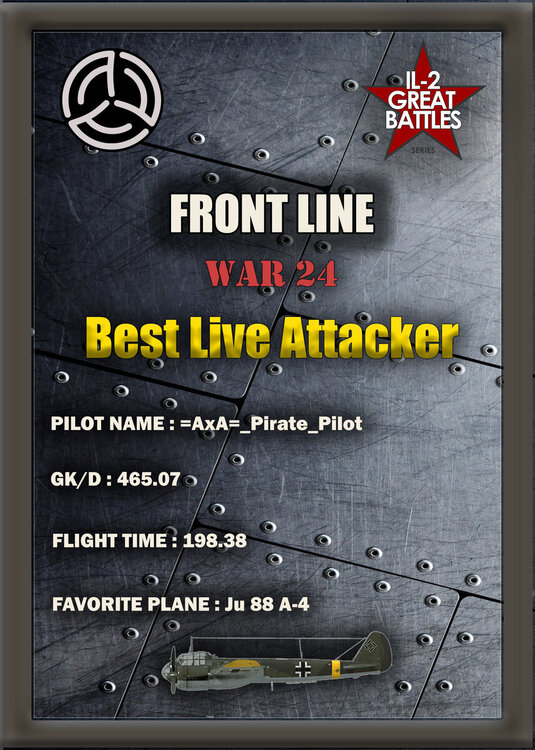
  1. The player who logs the most flight time in an aircraft controlled by a yoke will be =AxA=_Pirate_Pilot; the prize awarded will be a CH Flight Sim Yoke.

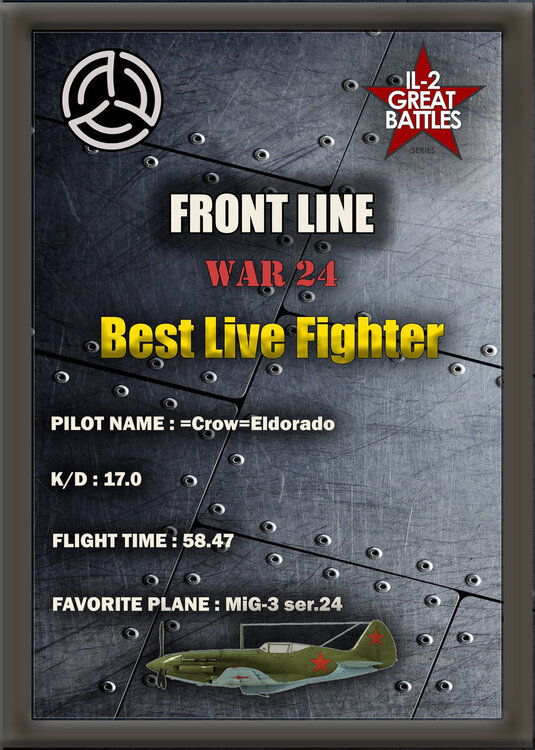
  2. The best live fighter is =Crow=Eldorado; the prize is one month of premium account status.

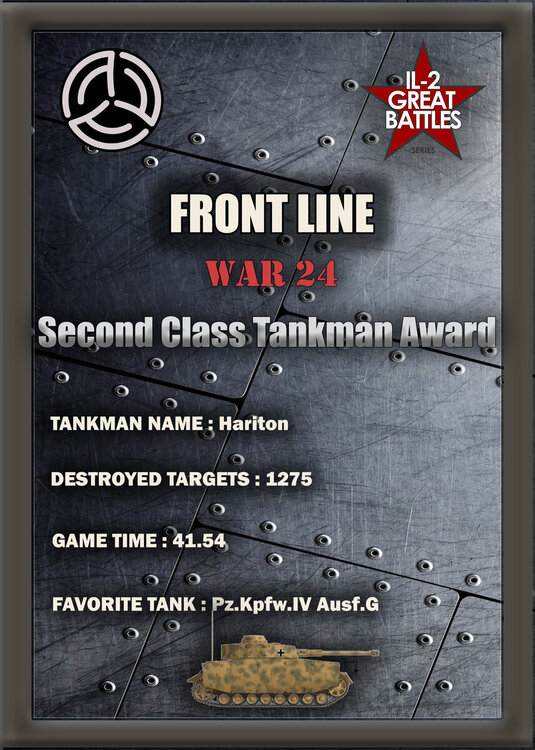
  3. The best live Assault player is Hariton; the prize is one month of premium account status.

  4. The best live-event bomber is Frezer; the prize is one month of premium account status.

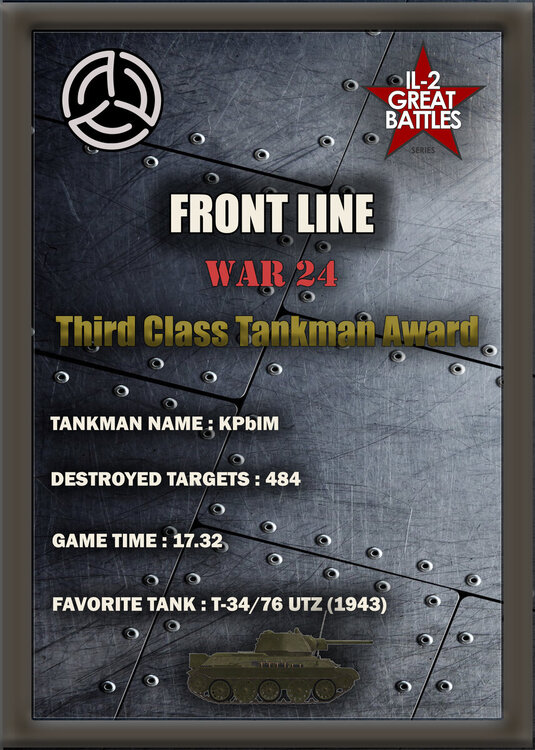
  5. The best active tanker is KPblM; the prize is one month of Premium Account status.

We congratulate all the winners and wish them continued success and an enjoyable time playing on our project!

Now we would like to revive our old tradition and reward those who have had the greatest impact on the situation at the front!

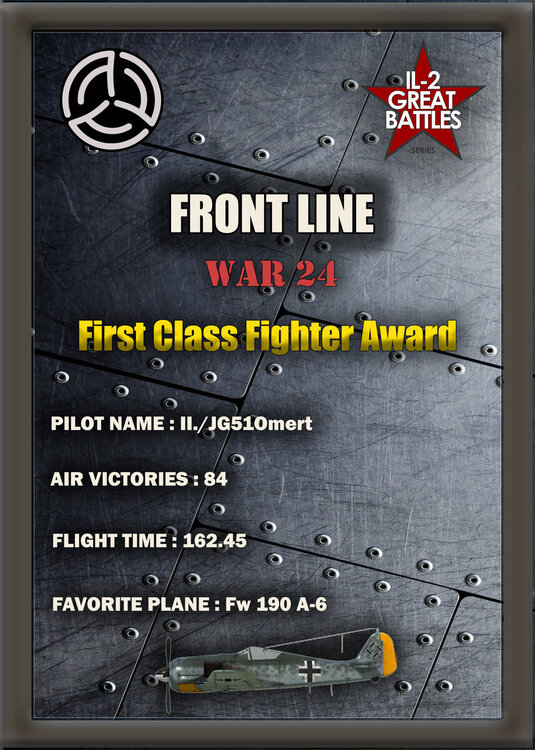
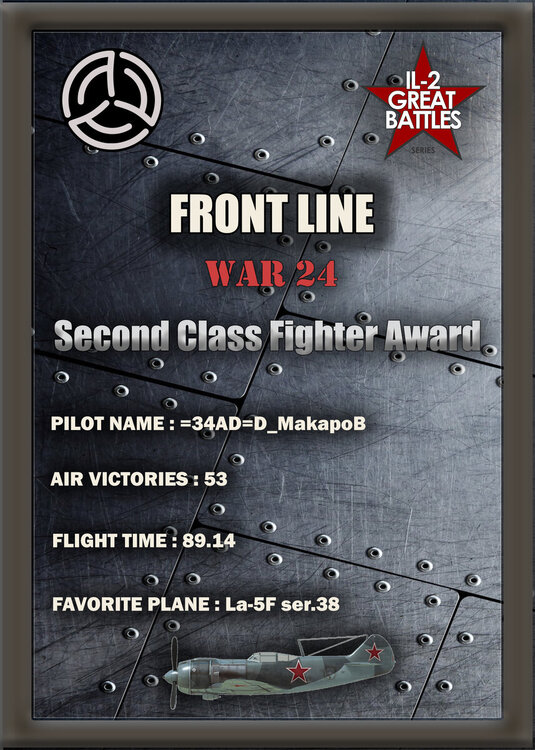
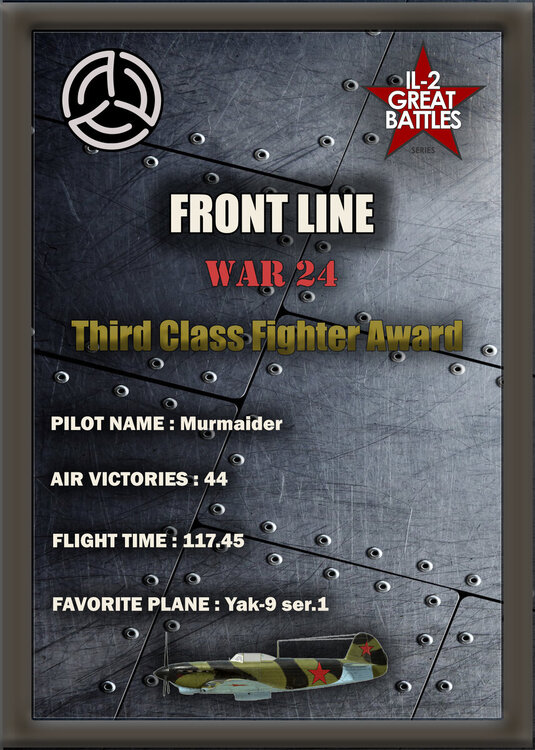
The best fighter aircraft are:
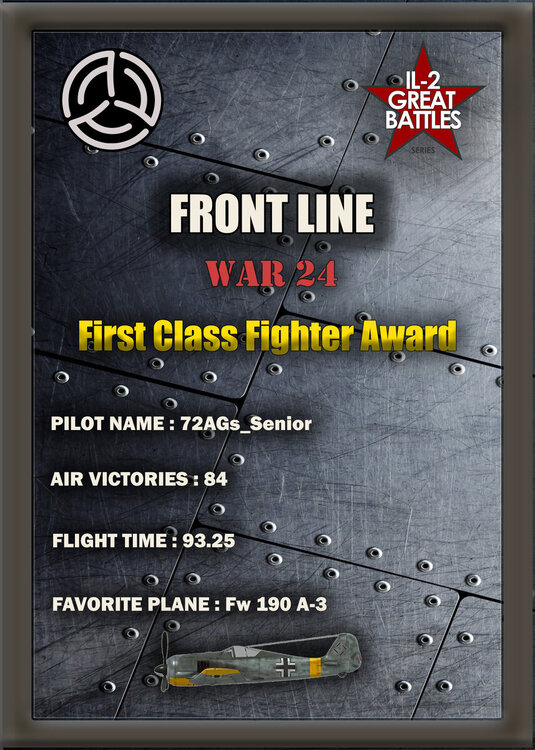
1.JPG1-1.JPG2.JPG2-2.JPG3.JPG

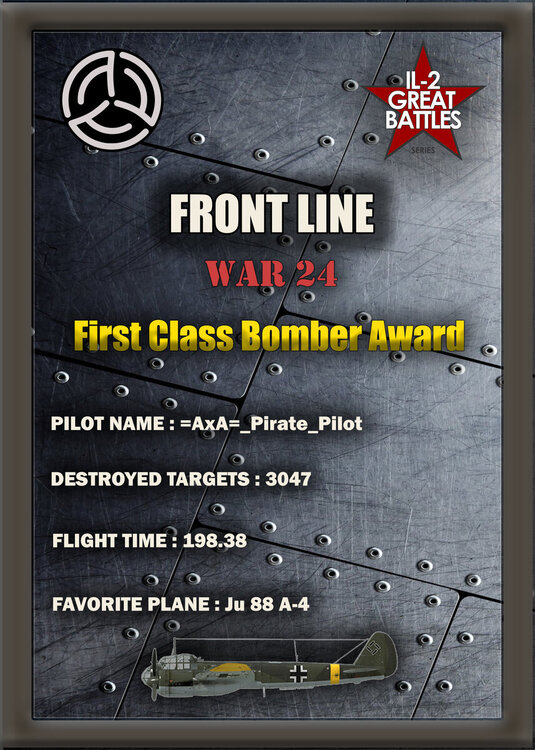
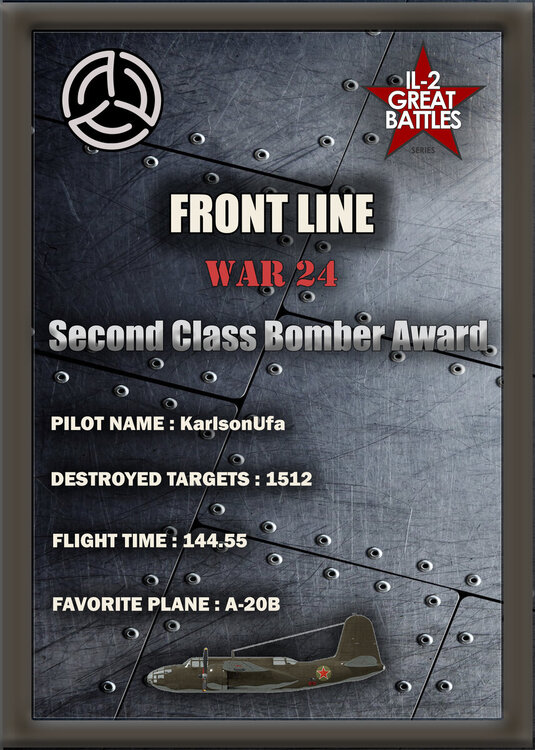
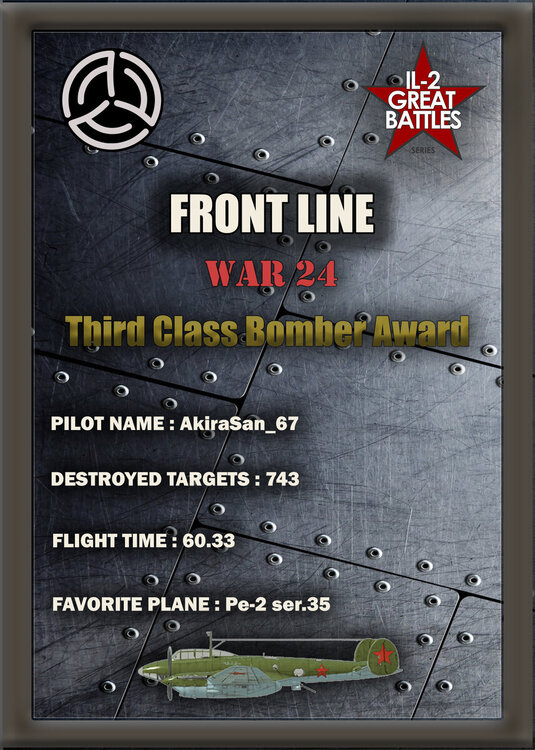
The top bombers are:

1.JPG2.JPG3.JPG

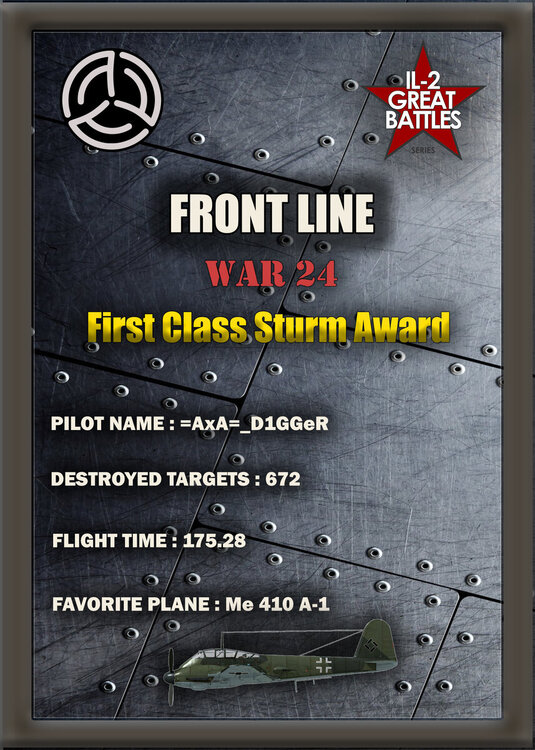
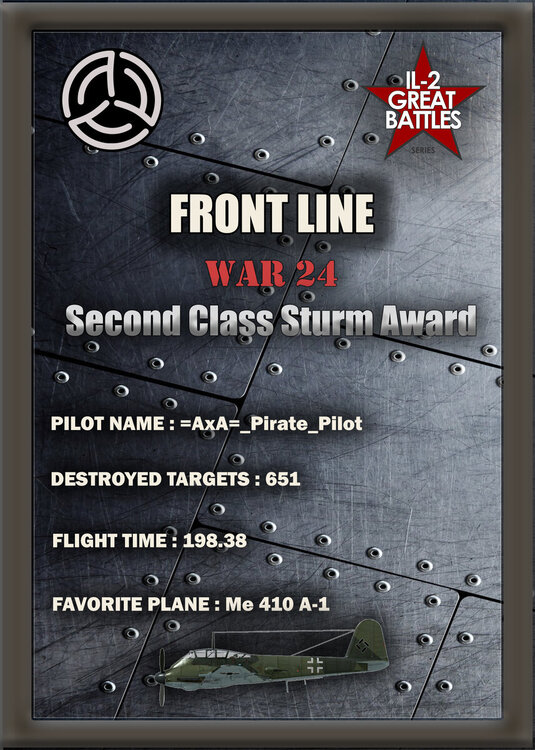
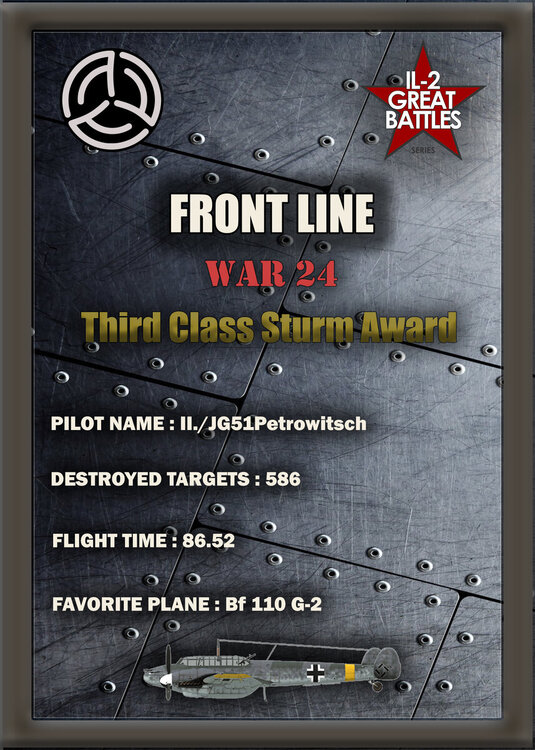
The best assault troops are:

1.JPG2.JPG3.JPG

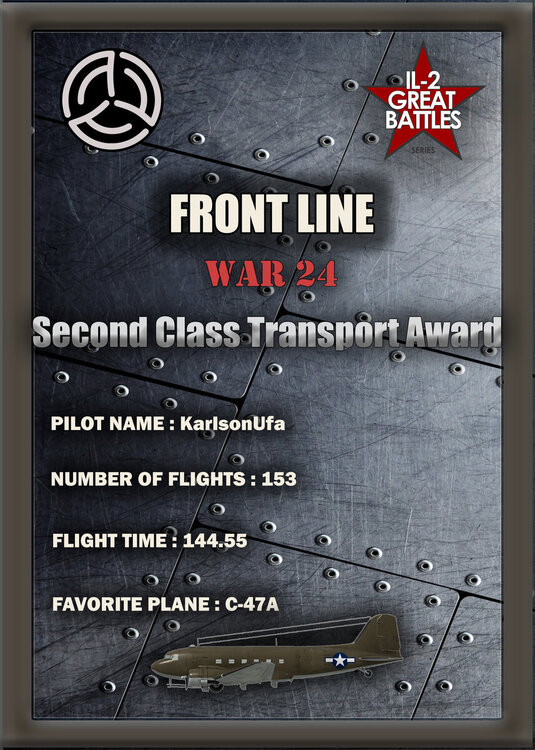
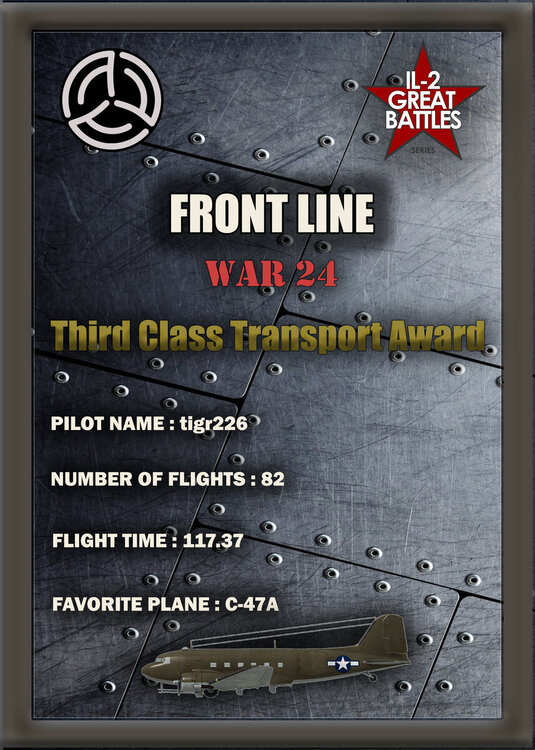
The best transport professionals are:
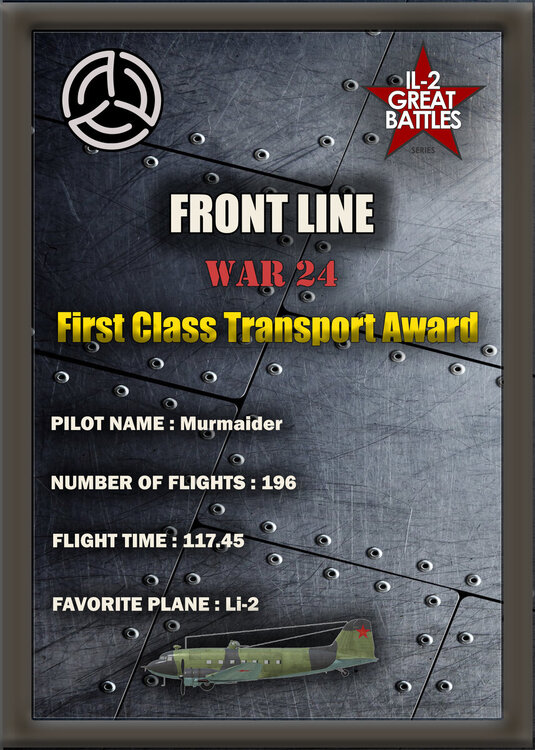
1.JPG2.JPG3.JPG

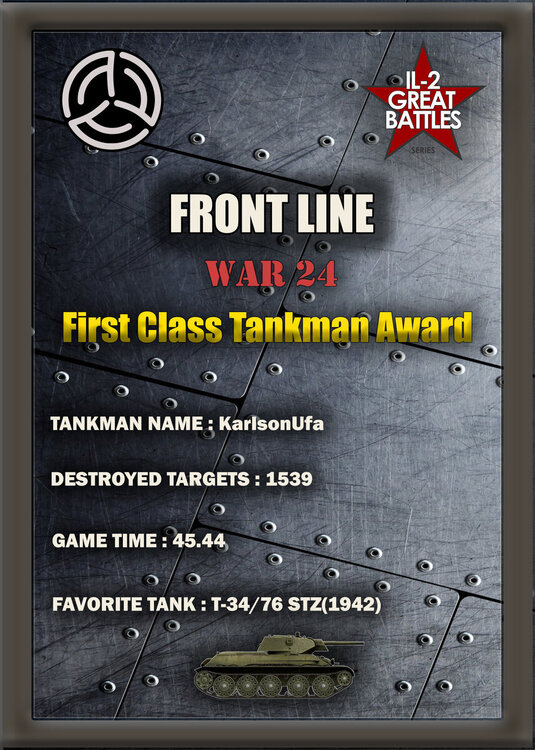
The best tank crews are:

1.JPG2.JPG3.JPG

And the best of the best—the pilots who achieved the highest kill-to-death ratios in this war—are:
Fighter.JPGAttacker.JPG


Many thanks to all the participants in our project; enjoy the game, and see you on the Front Line battlefields!

User Feedback

Create an account or sign in to leave a review

There are no reviews to display.

Account

Navigation

Search

Search

Configure browser push notifications

Chrome (Android)
  1. Tap the lock icon next to the address bar.
  2. Tap Permissions → Notifications.
  3. Adjust your preference.
Chrome (Desktop)
  1. Click the padlock icon in the address bar.
  2. Select Site settings.
  3. Find Notifications and adjust your preference.