



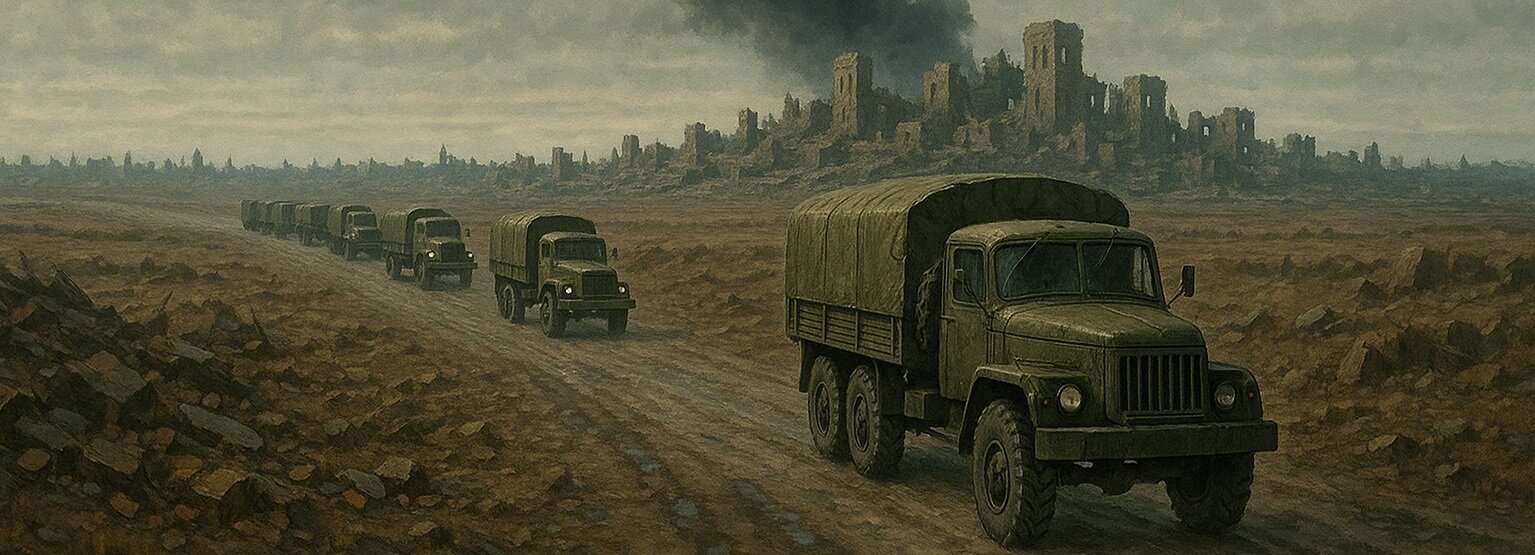

One of the key components of combat on the Front Line server is garrison supply. In a multiplayer environment, it plays more than just a supporting role; it directly impacts the success of operations and the stability of the front. The game's supply mechanics have been carefully designed and implemented as a dynamic system that requires attention, collaboration, and careful planning.
Why is supply needed?
During each game mission, settlements (hereinafter referred to as "SOCs") are subjected to systematic attacks, including aerial bombardment and artillery shelling. These strikes undermine the defenses of garrisons located in cities and settlements.
To maintain their positions, these garrisons require timely reinforcements, and the game features a complex supply system for this purpose.
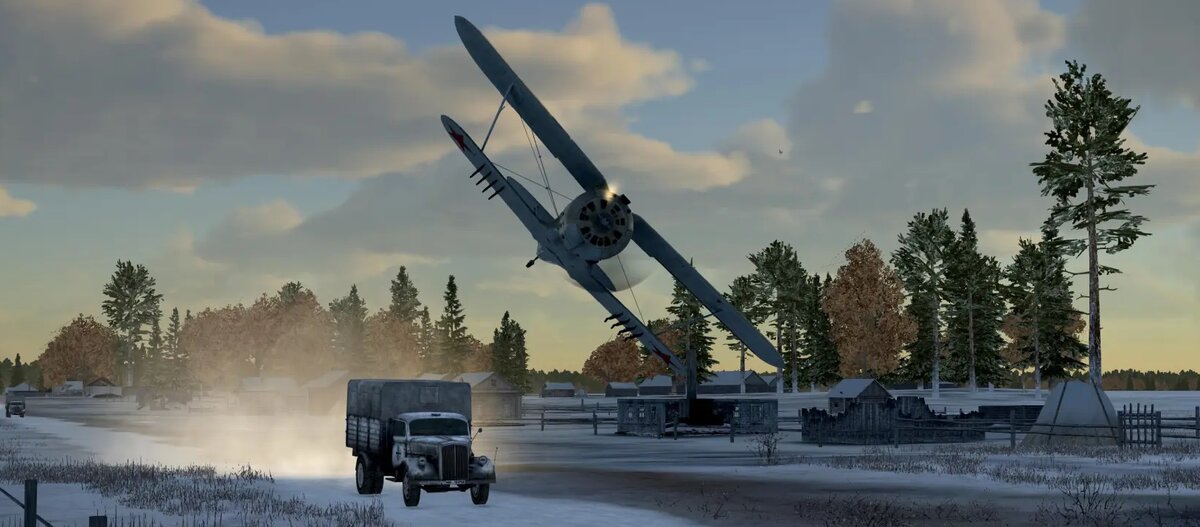
I-153 during an attack on an enemy supply column
Display on the map
Resupply of settlements doesn't just happen "in the background"—it's clearly displayed on the interactive map, making it part of tactical reconnaissance and mission planning.
At the start of a mission, the route of a supply convoy is hidden. The location of such convoys is indicated on the map by a large, red or blue, shaded circle, depending on their allegiance.
To locate the supply convoy, reconnaissance operations must be undertaken:
The player must enter the circle's radius, either by plane or ground vehicle.
After entering the search zone, patrol the area until the convoy is visually detected or the trigger is activated (step 3). Depending on the logistics, the supply convoy may consist of vehicle convoys, train trains, ship convoys, warehouses, ferry crossings, or ports.
Once detection is confirmed (i.e., the player enters the trigger activation zone), the interactive and in-game maps will automatically update: the shaded circle will be replaced by a supply icon—the characteristic convoy symbol.
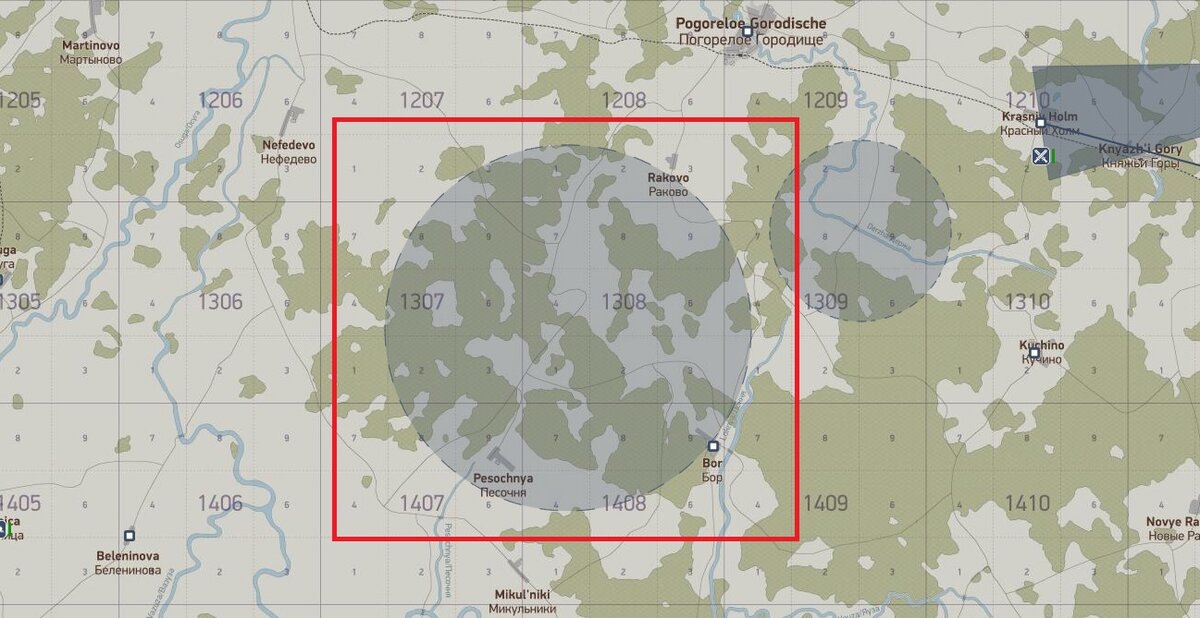
The supply of the NP is marked in the red rectangle on the interactive map
How does column generation work?
The server automatically dispatches supply columns to the most vulnerable OPs. This is done through a special generator that analyzes the garrisons' status and determines where to send aid. Each side can receive up to three supply convoys in a single mission.
As a rule, only rear-line garrisons that are not connected to the opposing coalition's garrison are supplied. Frontline settlements, however, cannot receive resources via traditional convoys but remain operational thanks to assistance from the rear. In such cases, nearby rear-line towns located behind the front lines can virtually transfer some of their strength to support a weakened frontline garrison. This transfer is limited to no more than 10% of the donor's current strength, provided its strength does not fall below 50% (Garrisons weakened to 59% cannot provide support to frontline garrisons), so as not to weaken the rear defense. The number of such transfers in a single mission is limited to five. (More details can be found in the article about garrisons)
Types of supply
1. Motorcades
This is the most common type of supply vehicle. They supply garrisons with ammunition and have only minimal protection—two vehicles with heavy machine guns. They are extremely vulnerable to air strikes and require cover.
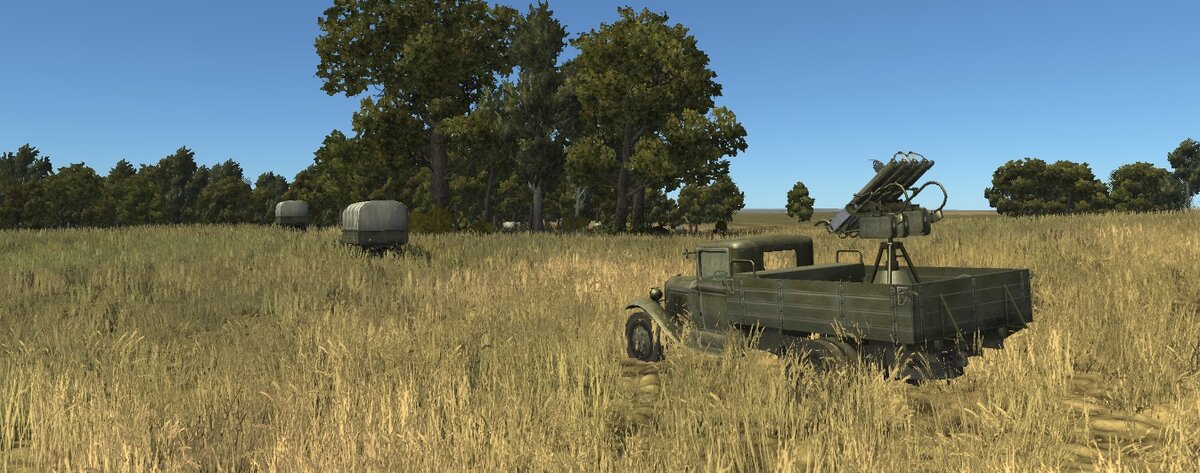
The motorcade may be located not only on the roads
2. Railway deliveries
Trains in the game deliver all types of resources, from ammunition to fuel. They are used to supply only those cities where:
There is a rail connection.
A large garrison can be stationed there.
The trains are well guarded: machine gun nests are installed on special platforms to provide cover from enemy attacks.
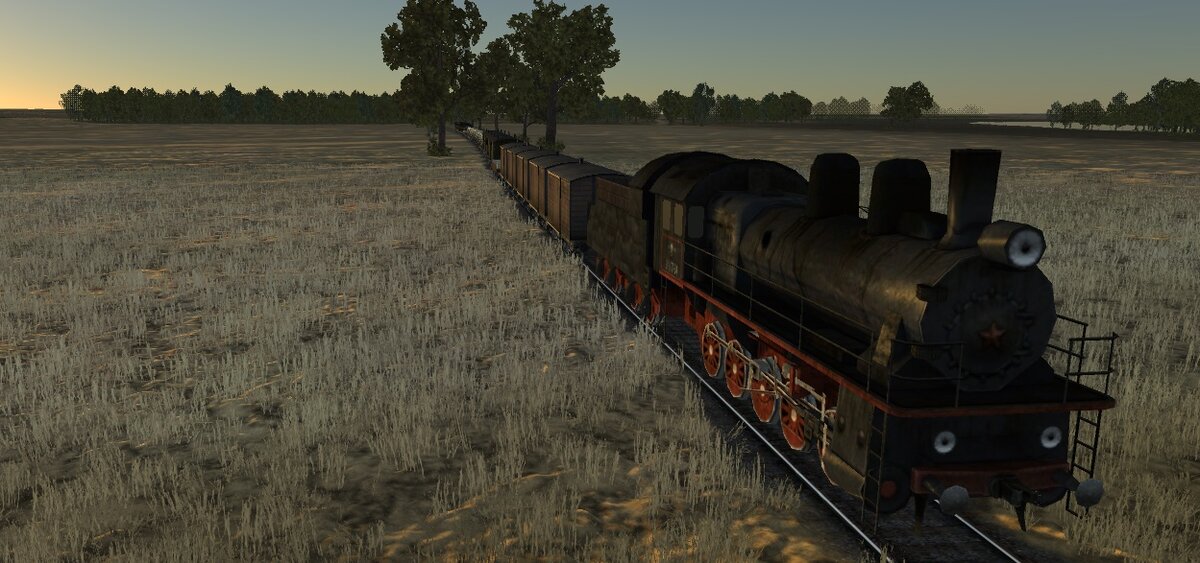
A train delivering ammunition to the garrison
3. Sea convoys
Used on maps featuring sea and coastlines. These ships deliver only ammunition, but unlike convoys, they have moderate protection thanks to anti-aircraft artillery. They can be located at any distance from the coast, making them a difficult yet effective target.
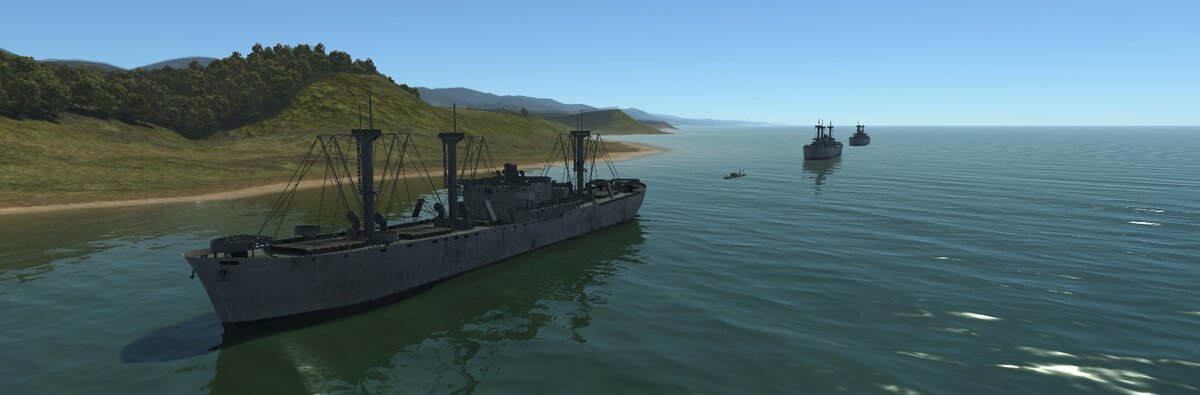
Ship convoy
4. Crossings near Stalingrad
The game follows real history: crossings in the Stalingrad area are used to supply all resources to the city. They are crucial for supporting the garrison in one of the most brutal sections of the front. These routes are well protected by anti-aircraft guns on ships and boats.
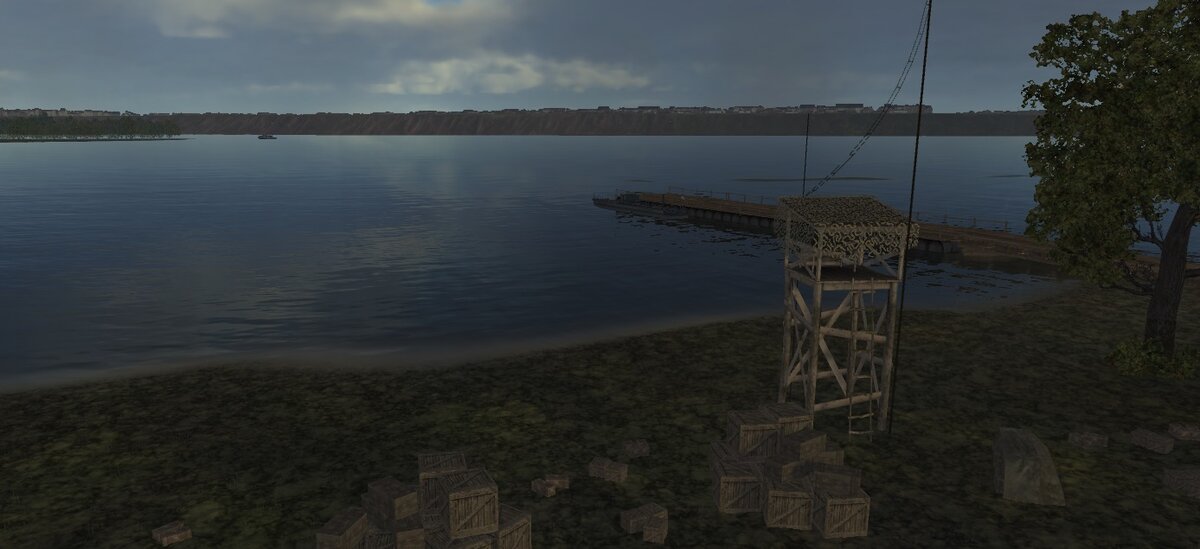
The Stalingrad crossings are located on the right and left banks of the Volga River.
5. Supply warehouses
These are centralized resource distribution points. They can redirect any type of resource and supply only large garrisons. Warehouses are better protected than other types of supply and are important strategic targets for the enemy.
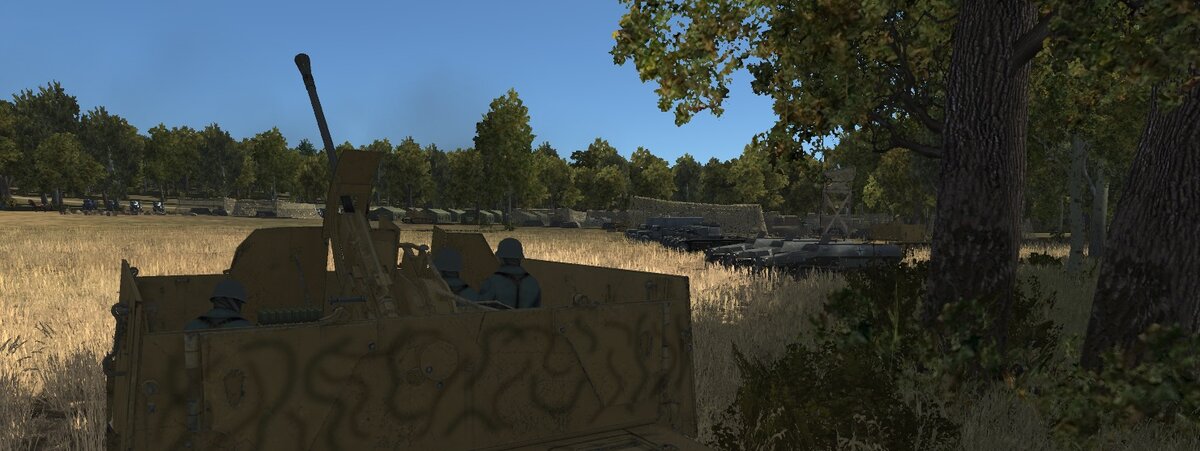
Equipment and resources in one of the warehouses
6. Ports
The largest and most heavily defended supply hubs are located on the coastline near major cities such as Novorossiysk, Tuapse, Sochi, Kerch, and others. They are equipped with at least one cruiser and two anti-aircraft artillery batteries of various calibers, ready to repel any enemy. However, a group of five to six dive bombers can inflict significant damage.
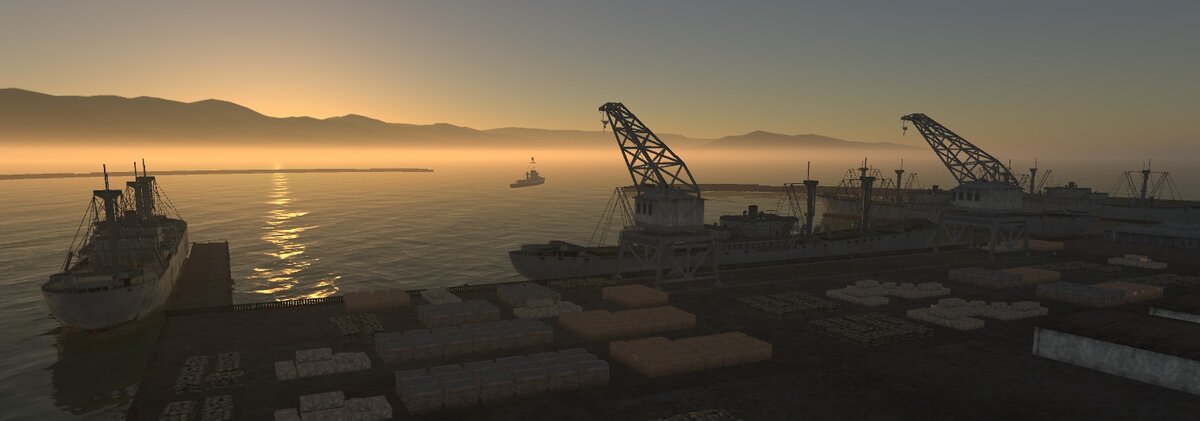
A port under the protection of a cruiser near Novorossiysk
The influence of the state of factories
Each vehicle in a convoy delivers a strictly limited amount of resources, which depends on the condition of the factories. A factory destroyed by 50% delivers only half of the allocated resources to the convoy. This makes attacks on industrial facilities strategically important: by destroying a factory, you weaken not only production but also the supply chain itself.
Example: if a convoy could carry 900 kg of ammunition, but the factory is 50% destroyed, it will deliver only 450 kg. This will only replenish 1 garrison strength (every 450 kg = +1 strength).
If a factory is unavailable for a certain resource at the time of loading, it will not be loaded into the convoy at all. Other types of resources may be loaded, however, depending on the overall condition of the factory.
There is also another important mechanic: if a convoy delivers more resources than the garrison can accommodate, all excess resources are returned to the factory.
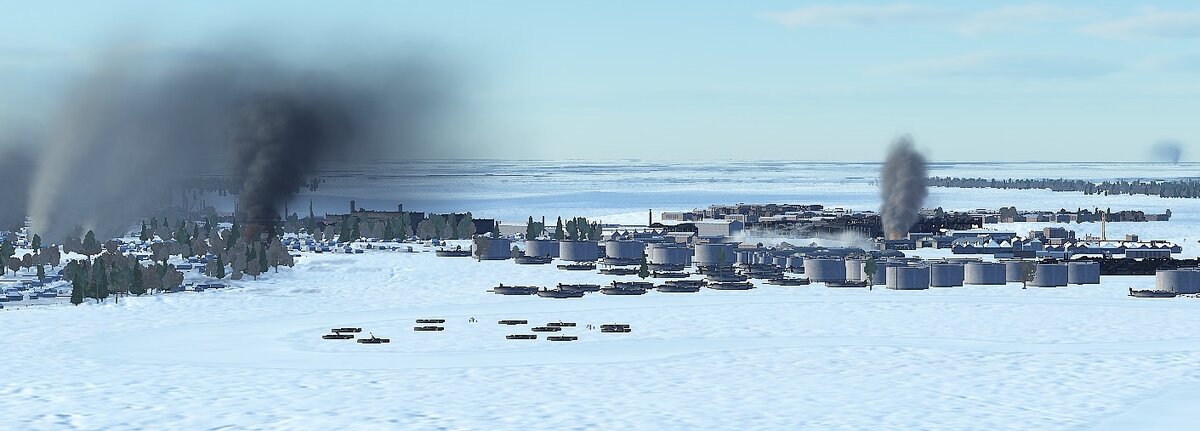
The plant during an artillery attack from a Su-122
Destruction of columns
It's important to remember: the convoy icon disappears from the map only when all resources within it are destroyed. Even if the convoy only has 10–20 kilograms left, the marker will continue to appear on the map. This requires vigilance from players planning raids and tank attacks.
Additional logistics - air supply
In the event of a severe resource shortage and the impossibility of organizing automatic resupply, players have access to the transport aircraft mechanic. This allows for the transfer of unlimited amounts of ammunition, provisions, and fuel, but requires players' ingenuity and the ability to land in rough terrain. Each such raid restores 20 units of garrison support. This method is suitable for emergency situations when ground routes are blocked, garrison reinforcements are urgently needed, or a settlement is surrounded. More details about this mechanic can be found in the dedicated article.
Conclusion
The supply mechanics in Front Line are more than just a gimmick. It's a fully-fledged strategic system whose operation determines the outcome of missions. Timely destruction of enemy convoys, protection of supply routes, strikes on factories, and reconnaissance of targets are all elements of a large, vibrant war machine in which every player can influence the course of the war.
This system not only makes the game more realistic but also adds depth and variety to every combat sortie.
Create an account or sign in to leave a review
There are no reviews to display.