
MoxiManu
Members
-
Joined
-
Last visited
-
 Thanks really, made my day without it even really starting Best Admins <3
 -
so we are 3 people and we mainly fly Germany but since i thought i could switch times at any time i joined the allies with Thomas knight without knowing about the lock on the faction. So basically the the 2 people listed in the picture (me and Thomas_knight) would ask to switch factions to germany if that is possible.
-
Does this still stand? (Reseting the factions for my and Thomas_knight)
Could you maybe do that for me and Thomas_knight? Since we thought that we could switch sides at any time :/ Also because one of our small fly group is a german main so we couldnt fly together nor make a ingame group Best Wishes, Moxi
Thx!
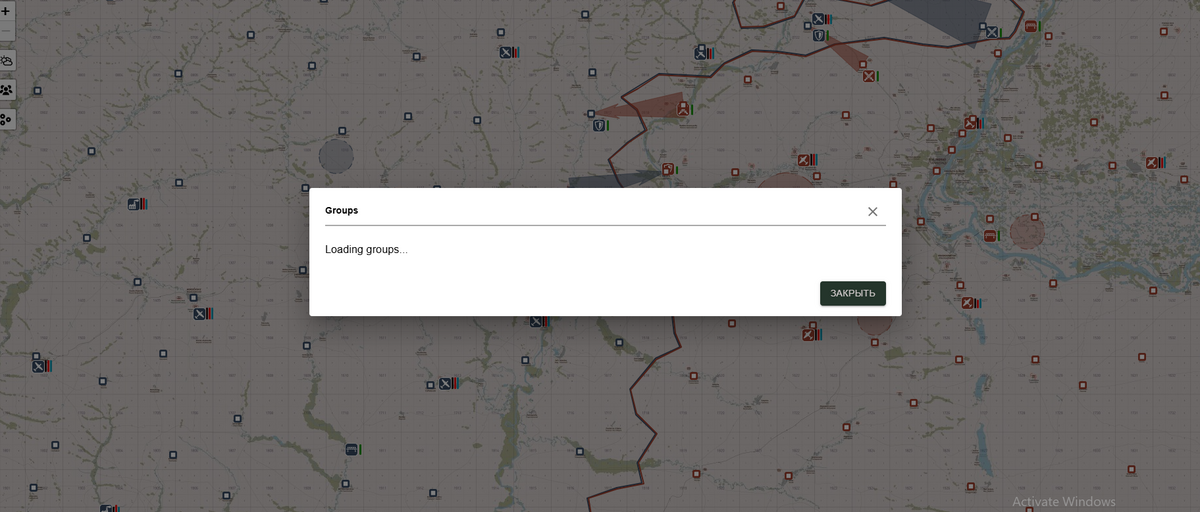
It just says loading forever with no results even after 20 minutes.
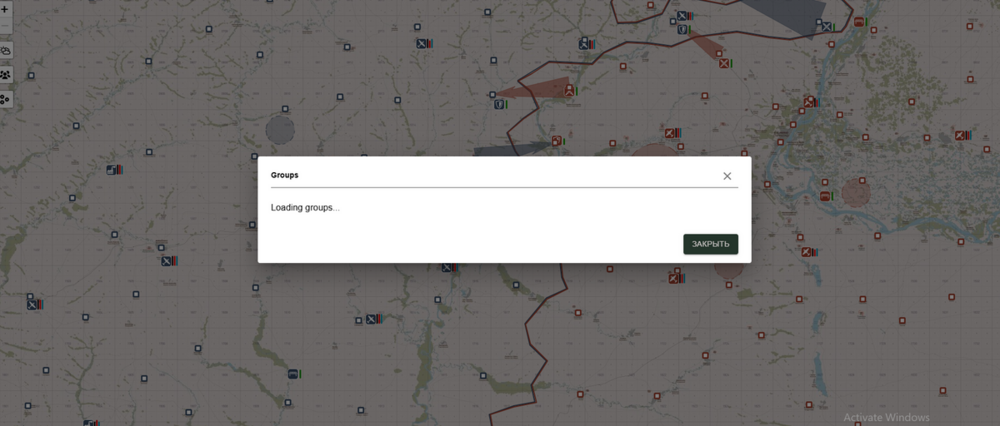 I thought a map change meant a new campaign, but i cannot seem to change the factions at all it still says that im flying for the Allies on the website with no button to change.
So if i can ask, where can you find them in the website?
MoxiManu changed their profile photo
Is there a feature to make flight groups? I found a sort of group system yesterday on the website but it seems to have been removed or is it still there? Best Regards, Moxi
I thought a map change meant a new campaign, but i cannot seem to change the factions at all it still says that im flying for the Allies on the website with no button to change.
So if i can ask, where can you find them in the website?
MoxiManu changed their profile photo
Is there a feature to make flight groups? I found a sort of group system yesterday on the website but it seems to have been removed or is it still there? Best Regards, Moxi