Jump to content
View in the app

A better way to browse. Learn more.

FRONT LINE

A full-screen app on your home screen with push notifications, badges and more.

To install this app on iOS and iPadOS
  1. Tap the Share icon in Safari
  2. Scroll the menu and tap Add to Home Screen.
  3. Tap Add in the top-right corner.
To install this app on Android
  1. Tap the 3-dot menu (⋮) in the top-right corner of the browser.
  2. Tap Add to Home screen or Install app.
  3. Confirm by tapping Install.

C6_lefuneste

Members
  • Joined

  • Last visited

Everything posted by C6_lefuneste

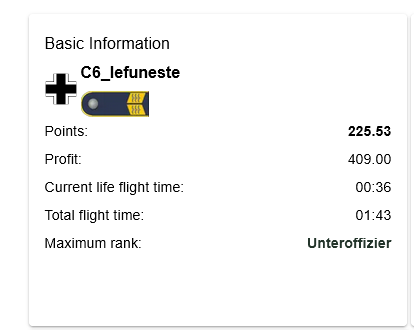
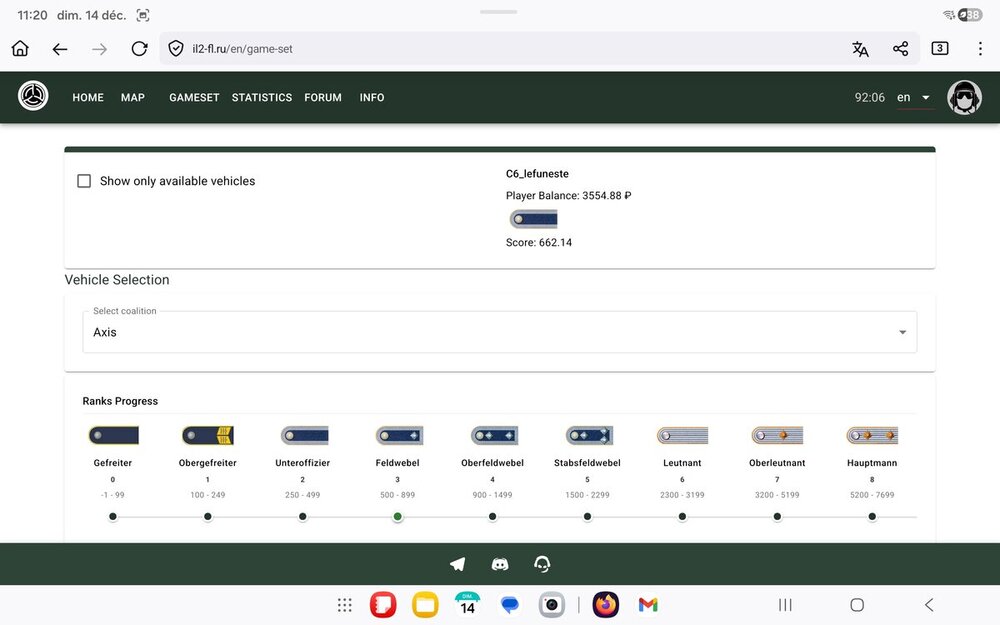
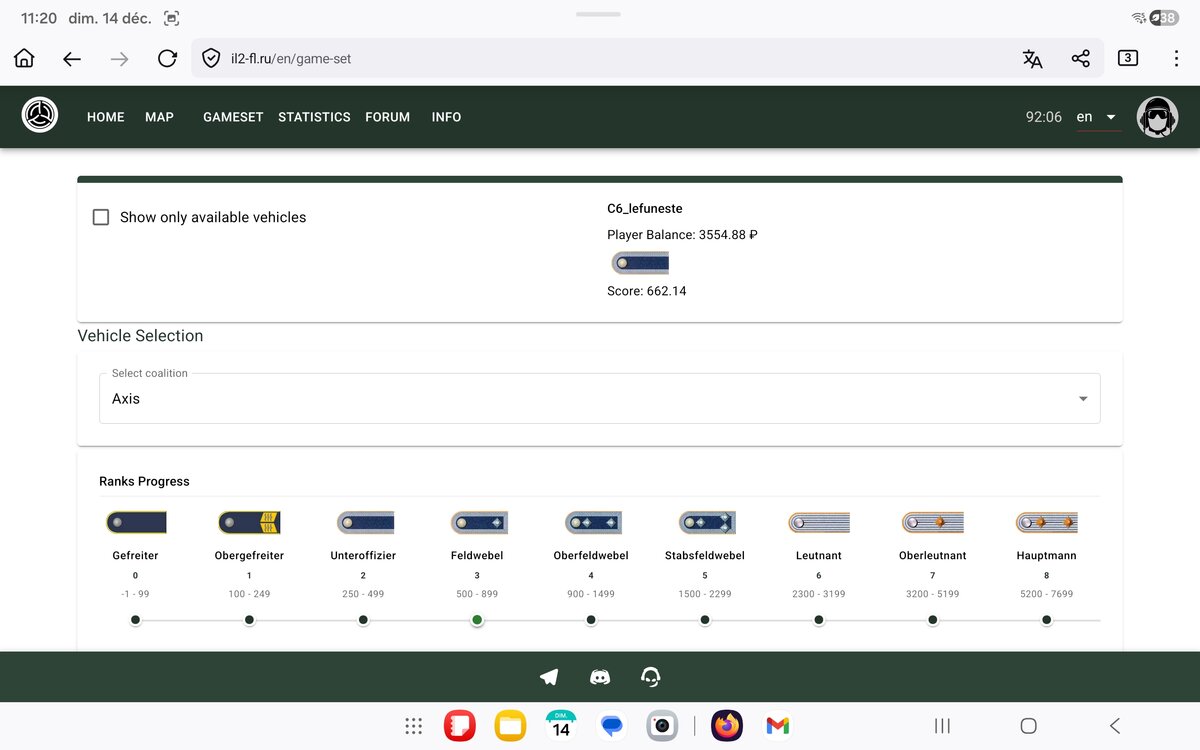
  1. Hello, I have a ”shrodinger” score, being both feldwebel and unteroficier. Unfortunatelly the server keep only the lowest rank...
  2. Ok, we just setup the group and did not go through the usage...Thanks !
  3. Yes and no (I just did it this morning). Yes I went to the garrison I had the message of delivering, I had some $ and points in the log of the mission but no : it seems benefits has not been added to my account:

  4. Thanks for the animer. I’ll try to do it.
  5. I did not try yet but I did not undertood how to do it ? Should I do a ”countryside” landing or drop containers ?

Configure browser push notifications

Chrome (Android)
  1. Tap the lock icon next to the address bar.
  2. Tap Permissions → Notifications.
  3. Adjust your preference.
Chrome (Desktop)
  1. Click the padlock icon in the address bar.
  2. Select Site settings.
  3. Find Notifications and adjust your preference.