



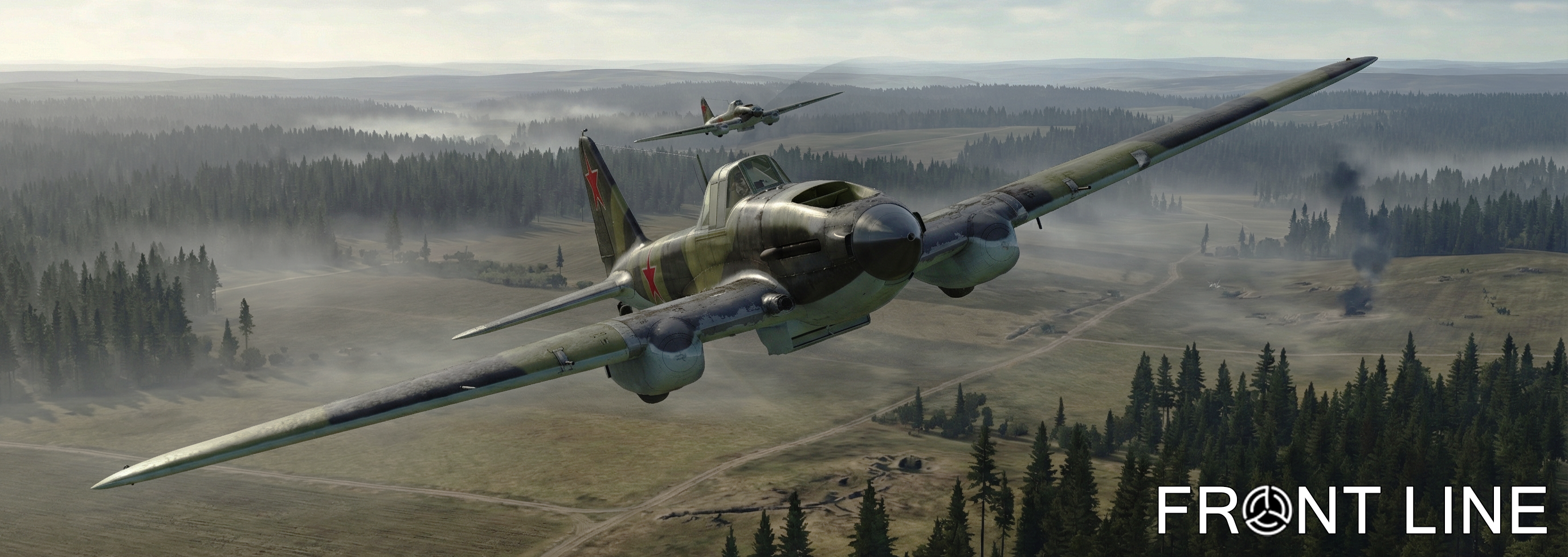

Hello everyone!
The Front Line server team congratulates you on February 23rd! We would like to wish you iron composure, steel patience, and absolute victories — both in life and on the battlefields of IL-2 Sturmovik.
Thank you for your energy, feedback, and for making our community so alive and tight-knit. Keep holding the formation and breaking through enemy defense lines!
We wish you strong armor, a full tank, and may your "six" always be clear! Peaceful skies overhead, and see you on the virtual Front Line!
In honor of the holiday, the project administration is gifting 3 days of premium subscription to all registered users who have verified their email. Those who already have an active subscription will receive an additional 3 days of premium.
Additionally, we have updated the style and design of the gameset page. This style is experimental. If the majority of users like it, we will roll out this design across the entire website.
-
 1
1
Create an account or sign in to leave a review
There are no reviews to display.