



Leaderboard
-

-DED-Zlodey
Developer2Points162Posts

Popular Content
Showing content with the highest reputation since 02/25/26 in News
-
 Hello everyone! Today's update includes: Website. Session page redesign. The page is now stylized as a personal dossier. Added records showing the cost of destroyed objects to the session event log. Fixed the mobile layout on the gameset page. When the "Show only available vehicles" checkbox is checked on the gameset page and a vehicle is unavailable, the card now explicitly states that this vehicle is not available to the player. Commander. Fixed a bug where funds were not deducted from the player's profile if they were in a group and lost a vehicle, were captured, or their character died. Fixed the recording of incorrect coordinates in the session event log. Railway stations are now considered destroyed (awarding command points) when 75% or more of the objects comprising the target are destroyed. Previously, 100% destruction was required. Other. Fixed a number of minor technical bugs.1 point
 -
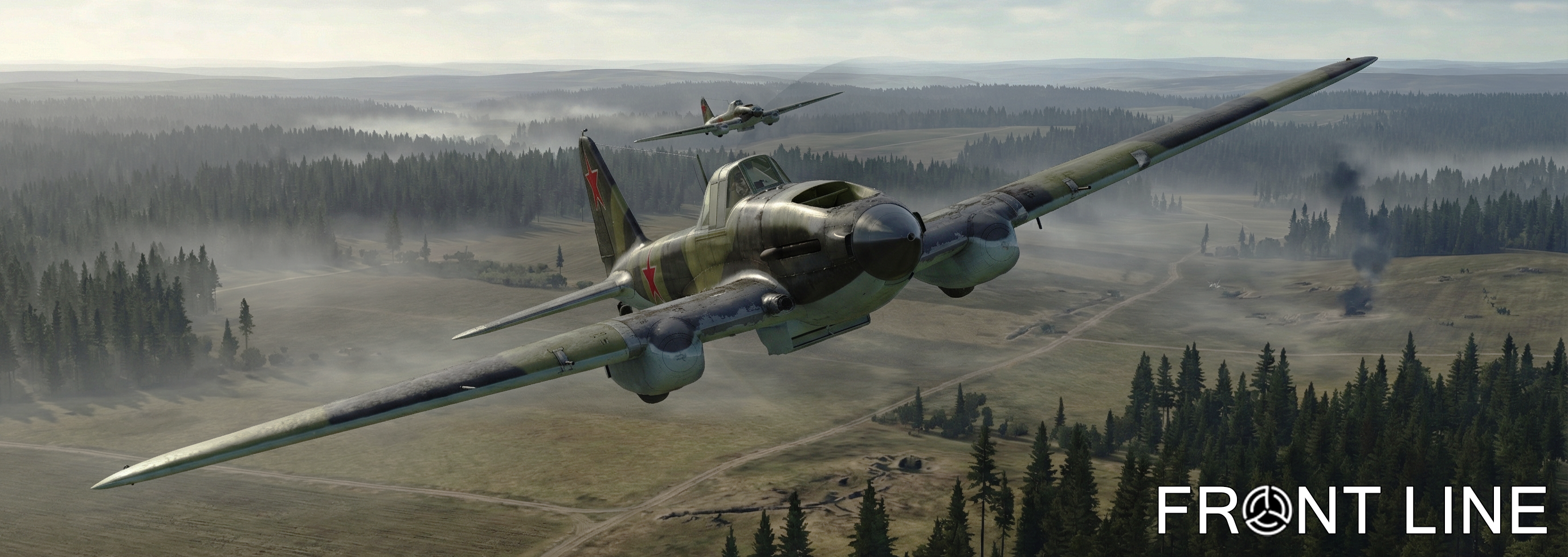 Hello everyone! The Front Line server team congratulates you on February 23rd! We would like to wish you iron composure, steel patience, and absolute victories — both in life and on the battlefields of IL-2 Sturmovik. Thank you for your energy, feedback, and for making our community so alive and tight-knit. Keep holding the formation and breaking through enemy defense lines! We wish you strong armor, a full tank, and may your "six" always be clear! Peaceful skies overhead, and see you on the virtual Front Line! In honor of the holiday, the project administration is gifting 3 days of premium subscription to all registered users who have verified their email. Those who already have an active subscription will receive an additional 3 days of premium. Additionally, we have updated the style and design of the gameset page. This style is experimental. If the majority of users like it, we will roll out this design across the entire website.1 point