

Jump to content
View in the app

A better way to browse. Learn more.

FRONT LINE

A full-screen app on your home screen with push notifications, badges and more.

To install this app on iOS and iPadOS
  1. Tap the Share icon in Safari
  2. Scroll the menu and tap Add to Home Screen.
  3. Tap Add in the top-right corner.
To install this app on Android
  1. Tap the 3-dot menu (⋮) in the top-right corner of the browser.
  2. Tap Add to Home screen or Install app.
  3. Confirm by tapping Install.

colewpeters

Members
  • Joined

  • Last visited

  1. I have just changed my login ID (IL2 BoS website) and email and that resolved it.
  2. If possible Id like an admin to just delete my colewpeters tied to ***@yahoo.com so I can just try again.
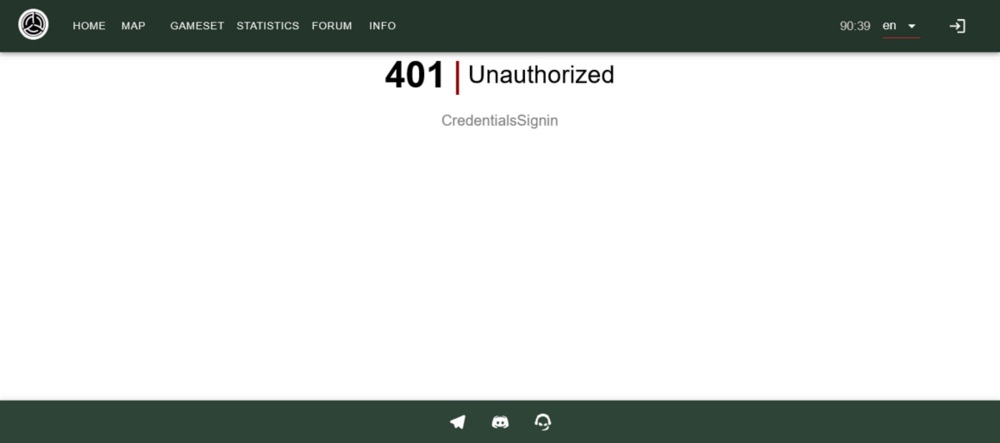
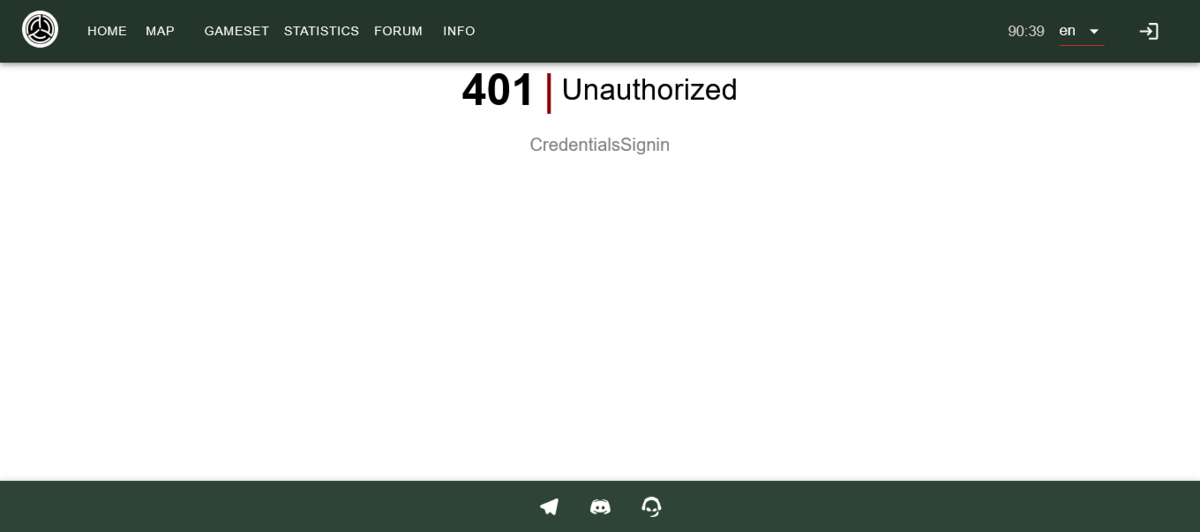
  3. I have several people who want to join this server. After putting in our IL2 BoS usernames, making passwords, emails to receive the Frontline emails we all get the same error: I have altered my username, changed my password, tried to re-register. But there is no way around this for me.
Configure browser push notifications

Chrome (Android)
  1. Tap the lock icon next to the address bar.
  2. Tap Permissions → Notifications.
  3. Adjust your preference.
Chrome (Desktop)
  1. Click the padlock icon in the address bar.
  2. Select Site settings.
  3. Find Notifications and adjust your preference.