


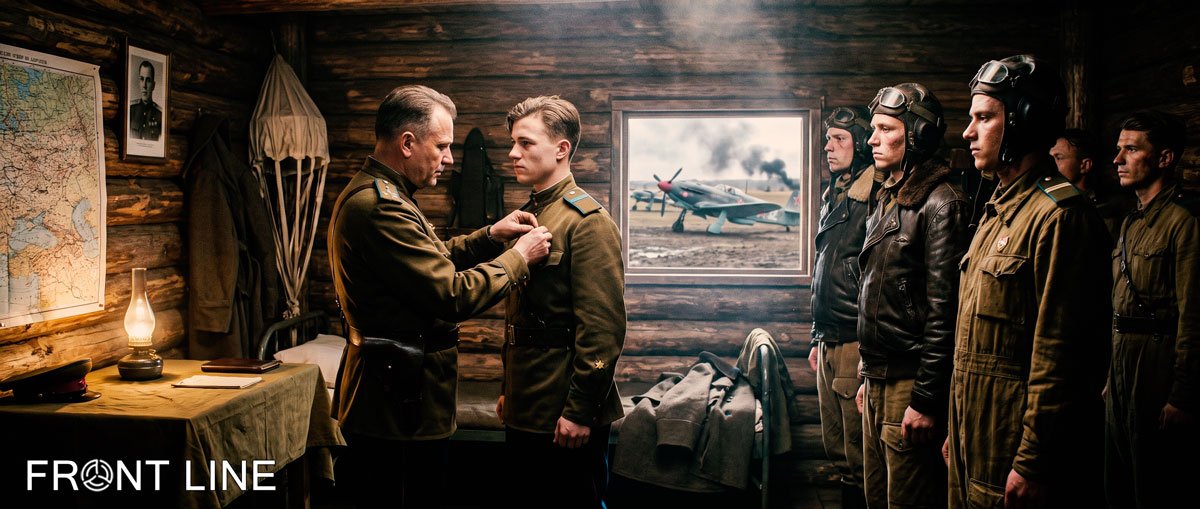

Comrades!
Let’s sum up the results of the 26th war on our server!
In the 26th campaign, the RED team emerged victorious — congratulations!
As is tradition, the players who win in these categories will be awarded valuable prizes!
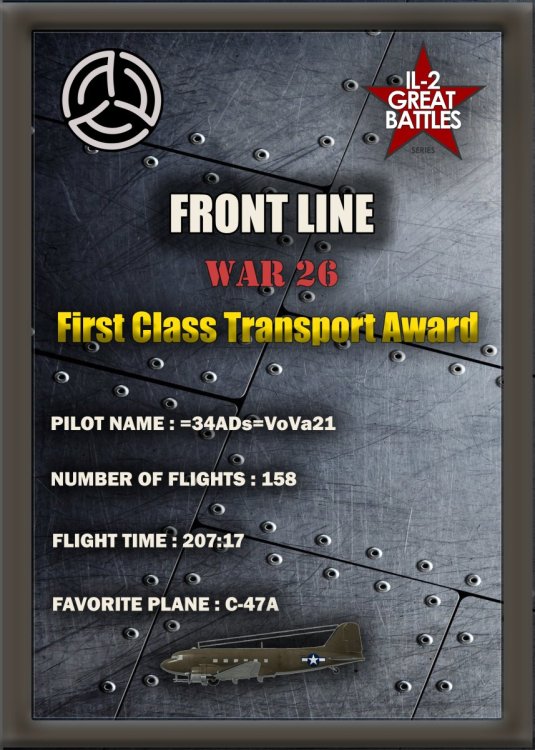
The transport aviation pilot with the most flight time is =34ADs=VoVa21; the prize is one month of a premium account.
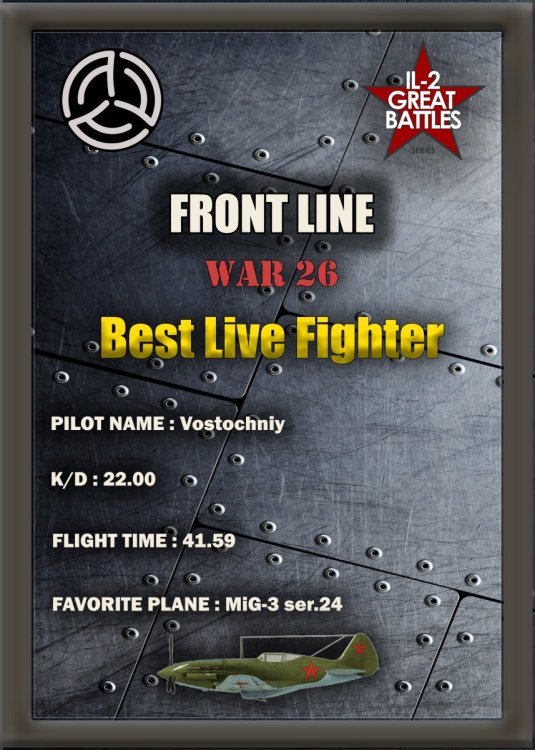
The best active fighter is Vostochniy; the prize is one month of a premium account.
The best active attacker is II./JG51Petrowitsch; the prize is one month of a premium account.
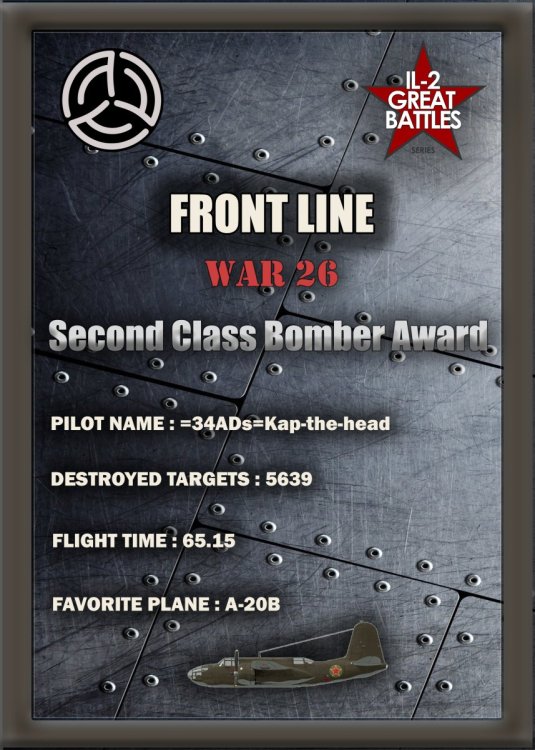
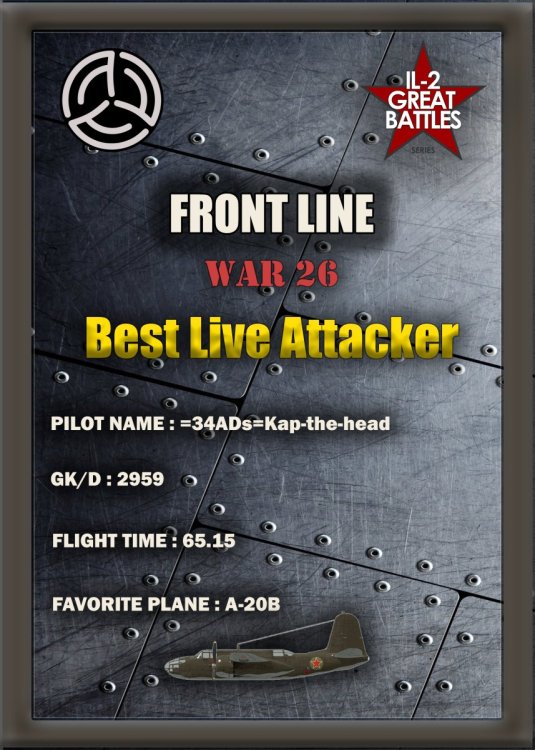
The best active bomber is =34ADs=Kap-the-head; the prize is one month of a premium account.
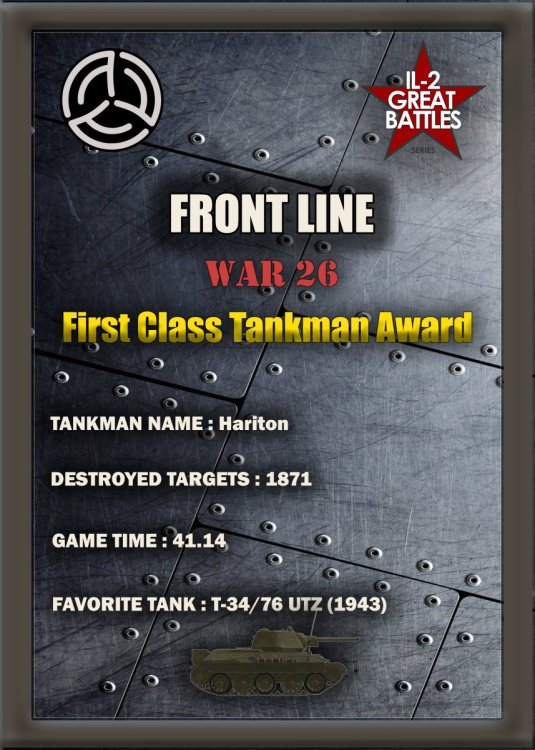
The best active tanker is Hariton; the prize is one month of a premium account.
Congratulations to all the winners; we wish you continued success and an enjoyable gaming experience on our project!
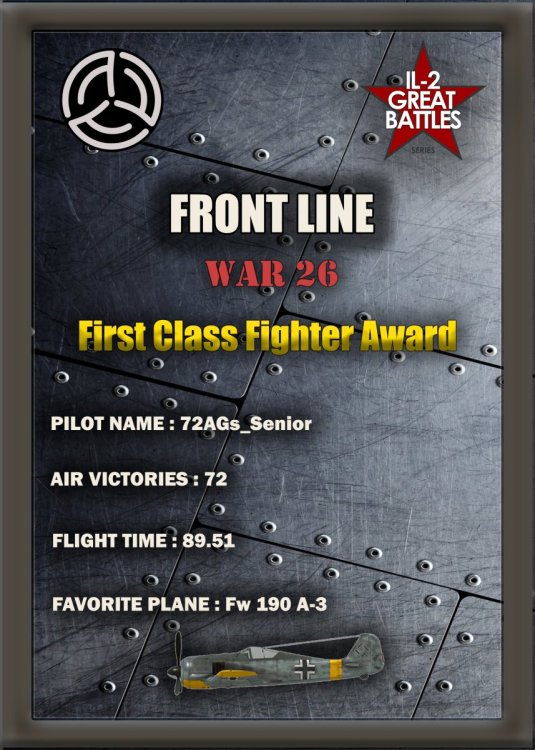
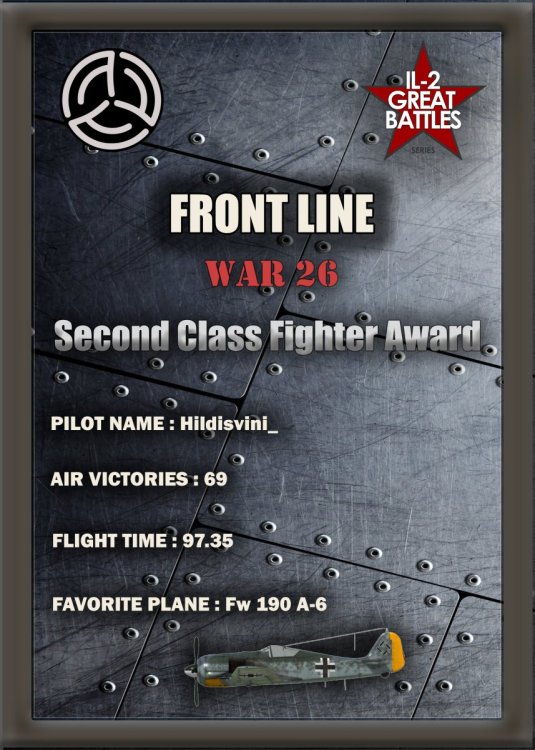
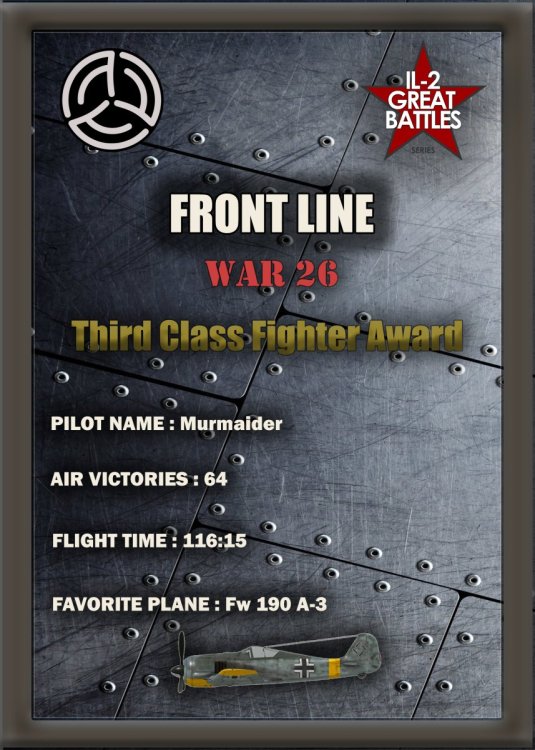
Now we shall reward those who, throughout the war, proved themselves to be the best of the best!
The best fighter pilots are:
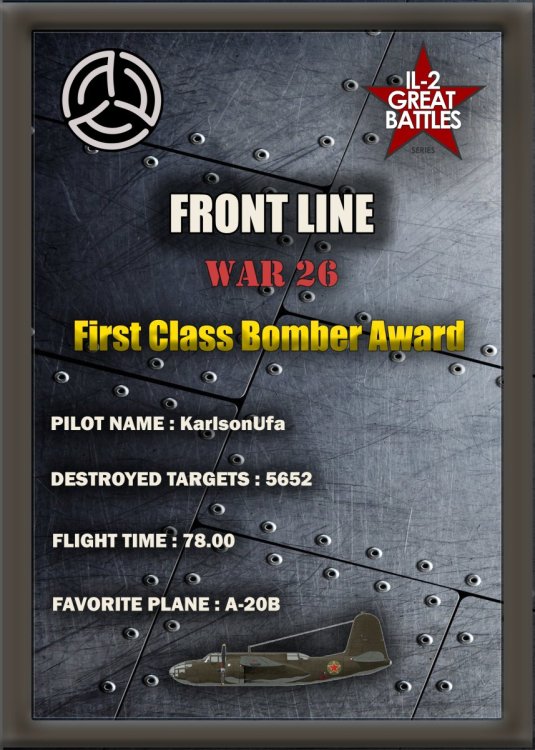
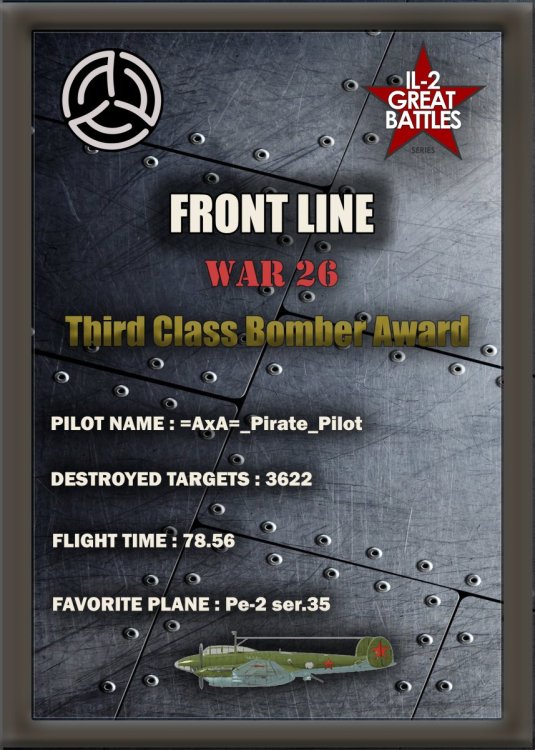
The top bombers are:
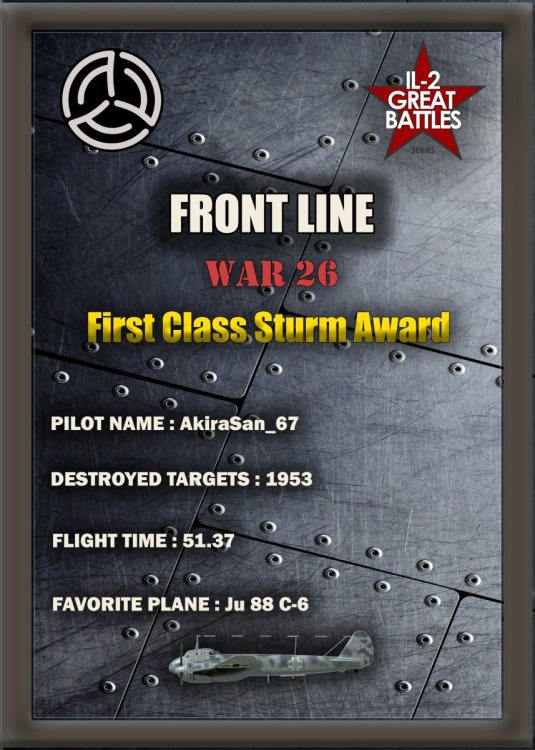
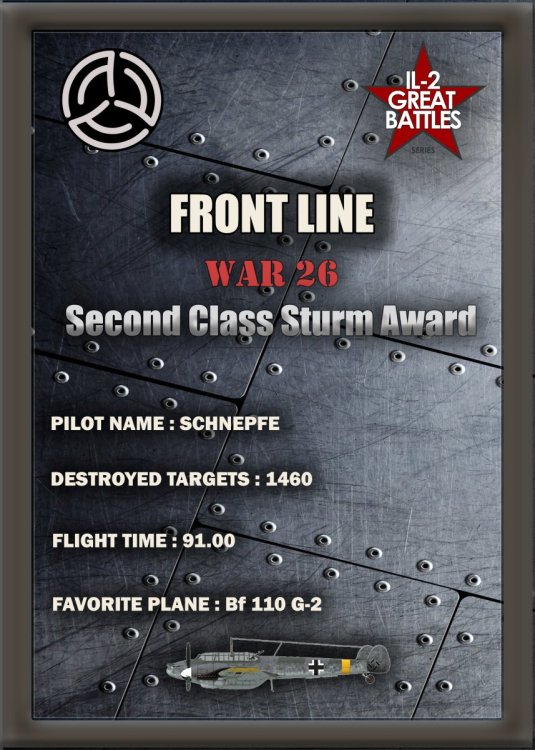
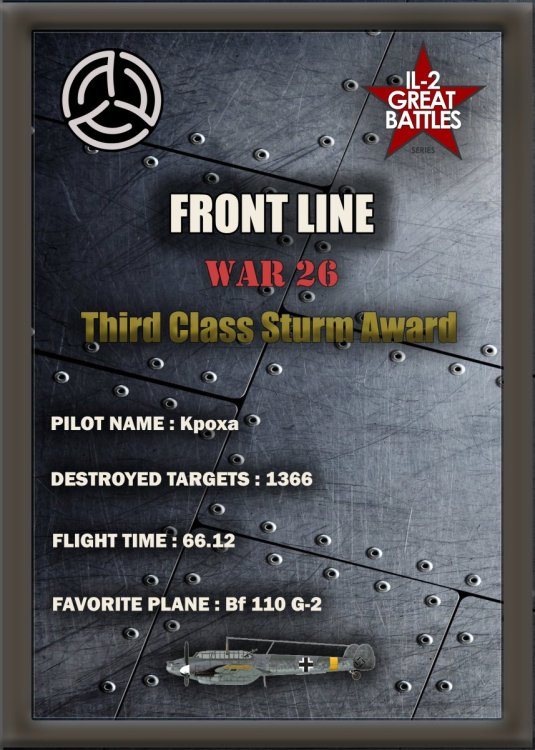
The best attackers are:
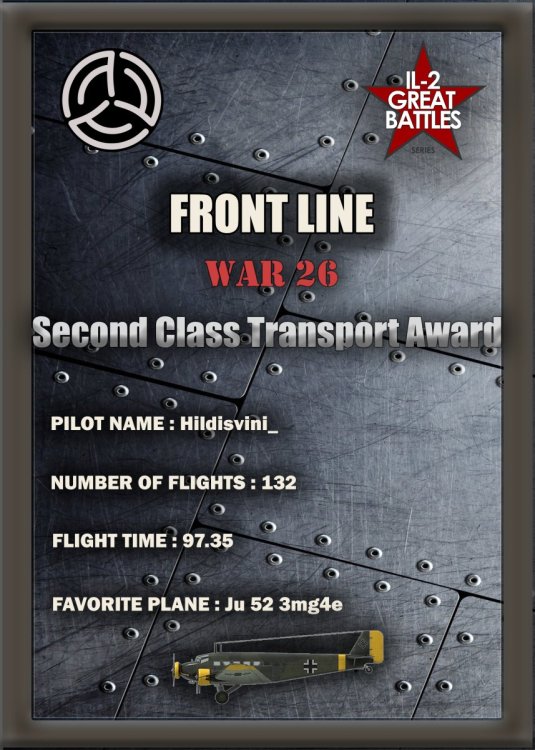
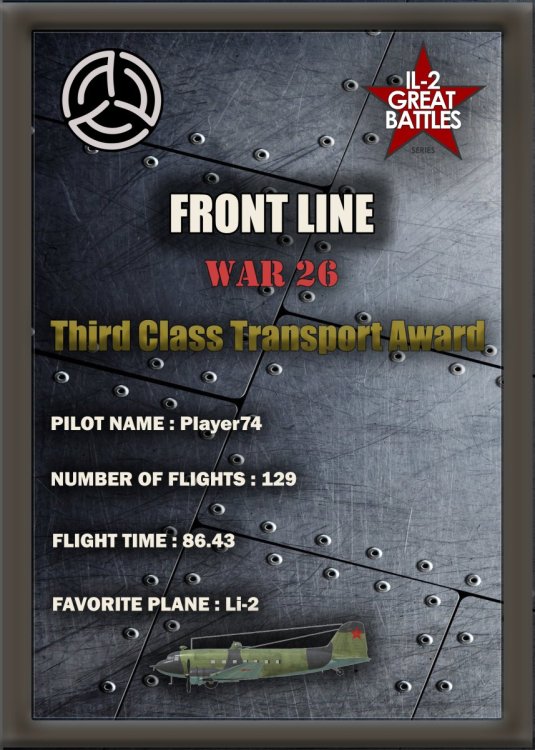
The best transport professionals are:
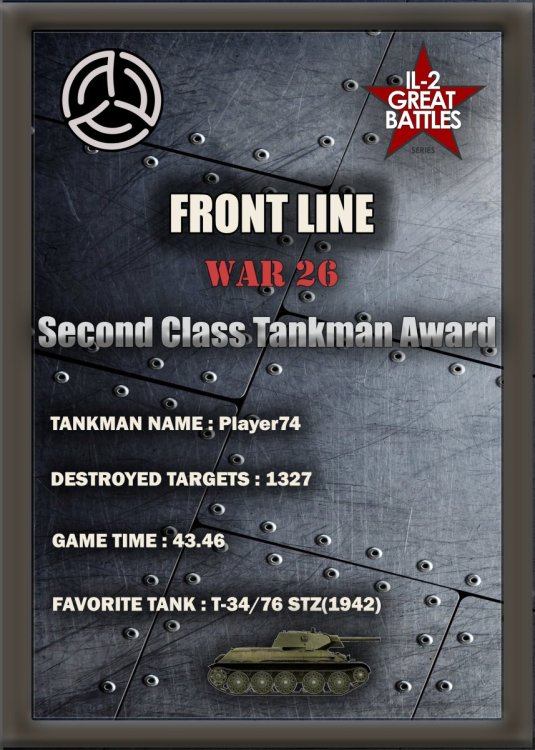
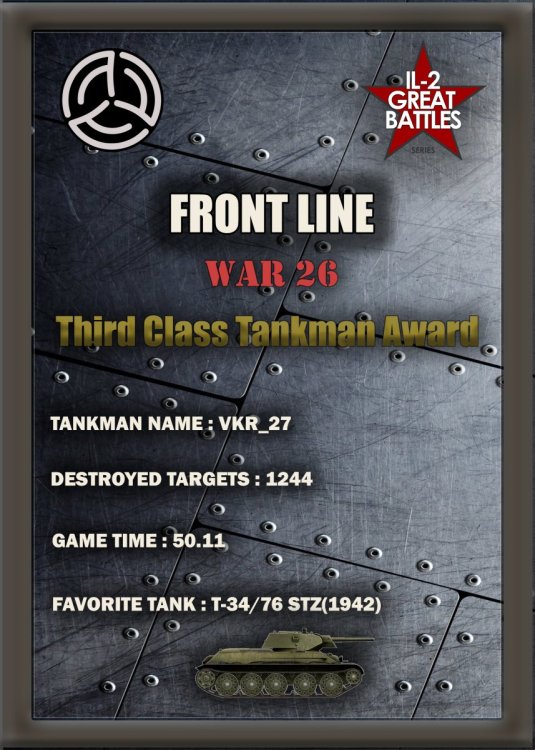
The best tank crews are:
And so, the players who valued their virtual lives the most throughout the war—those who achieved the highest kill-to-death ratios—are:
Create an account or sign in to leave a review
There are no reviews to display.